
 admin
admin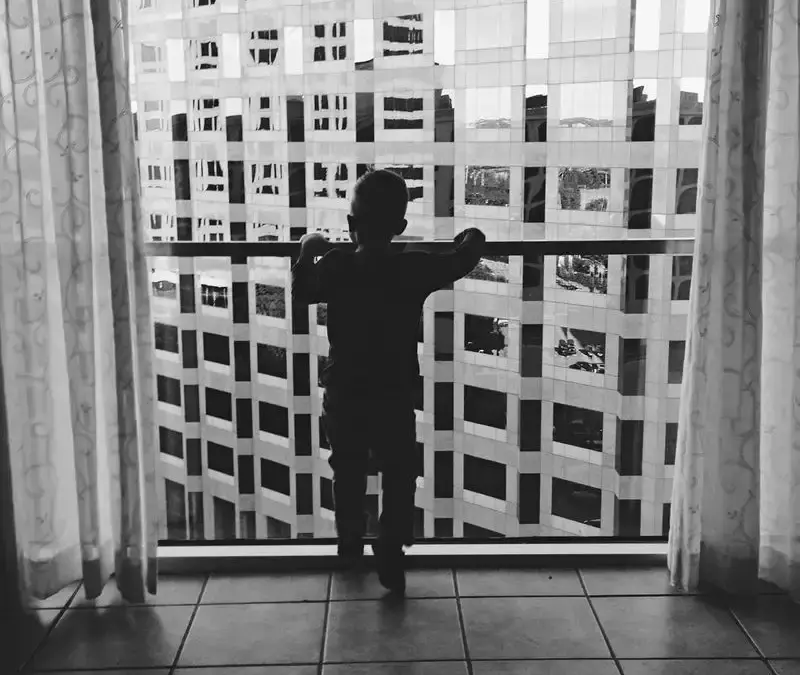
Black and white photography can turn an everyday scene into an image with a timeless, focused feel. Without color, viewers pay more attention to light, shadow, shapes, and texture. A thoughtful conversion can strengthen a photograph, but the best results usually start with a scene that already has clear visual elements.
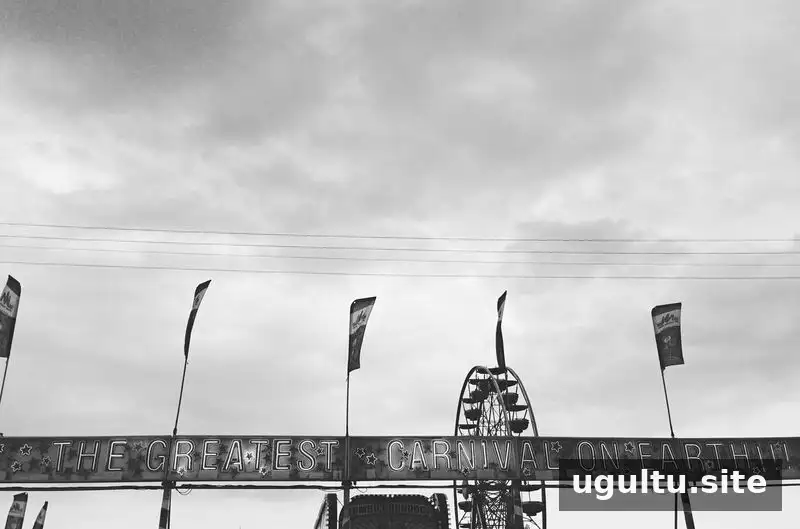
Color photography changed how people record the world, yet monochrome images remain a compelling choice. Removing color can simplify a busy frame and draw attention to the subject. Before editing, consider what you want viewers to notice and whether color helps or distracts from that idea.

When black and white photography works well
Black and white photographs are especially effective when light, contrast, or form is more important than color. Try viewing a scene without color in mind: if its visual appeal comes from the way light falls, the geometry of the composition, or the subject’s expression, a monochrome treatment may suit it.
Look for directional light
Strong light can create a noticeable transition between bright and dark areas. For example, morning sunlight falling across a table may produce shadows and highlights that guide the eye through the frame. Check that important details are not lost in deep shadows or bright highlights, and adjust exposure when needed.

Use contrast while preserving tonal detail
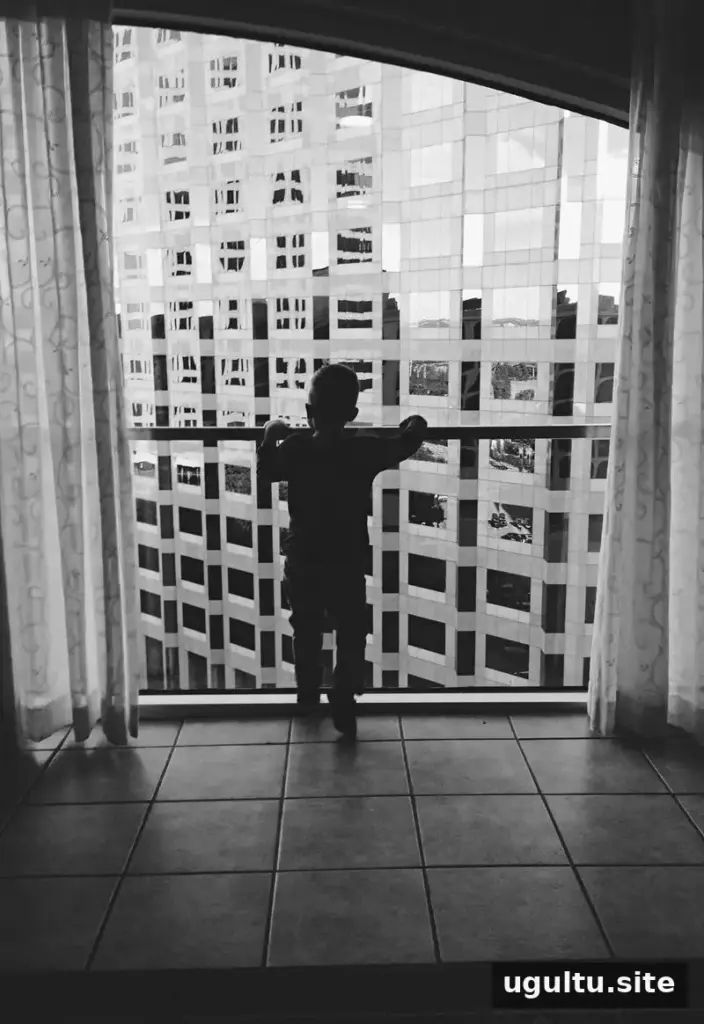
Contrast gives a black and white image impact. A subject silhouetted against a bright window, for instance, can appear clearly defined when the dark subject separates from the light background. At the same time, an image benefits from a range of tones—not only pure black and white. When converting a color photo, different colors become shades of gray, so the original colors and the conversion settings affect how distinct objects appear.

Practical tip: Increase contrast gradually, then check whether details remain visible in both highlights and shadows. If neighboring objects turn into similar shades of gray, adjust the conversion or brightness to make them easier to distinguish.
Emphasize shapes, lines, and texture
Strong lines and recognizable shapes often become more prominent without color competing for attention. Edges, patterns, and surface textures can also stand out. Look for repeated forms, leading lines, or a simple background, and compose the photograph so these elements support—not overwhelm—the main subject.

Can black and white improve a difficult photo?
Converting an image to black and white may help when an unusual color cast or distracting color is taking attention away from the subject. It can also make a scene with interesting shapes or expressions feel more cohesive. However, monochrome editing cannot restore detail that was never captured: severe blur, missed focus, or lost highlights may remain visible. Treat conversion as a creative option, not a repair for every technical problem.
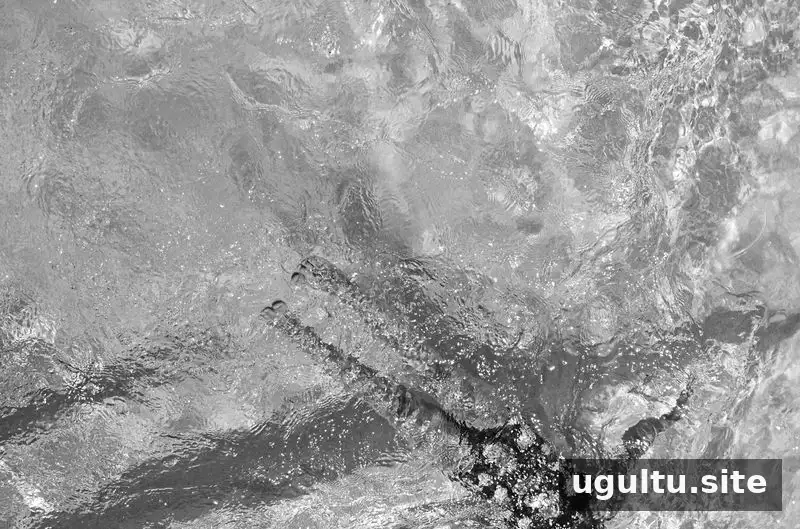
In a dim indoor photograph, for example, a monochrome edit may reduce the distraction of uneven color and emphasize the people or shapes in the scene. If the image is slightly blurred, the softer look may still suit the moment, but review the result at full size before sharing or printing.

Simple editing tips for black and white photos
Most photo-editing apps include a black and white filter or a monochrome adjustment. Start with the conversion, then make small changes to contrast, brightness, and shadows. If the editor offers color-channel controls, use them to change how original colors translate into gray tones.
- Keep an untouched copy of the original color photo so you can compare versions.
- Check faces and important details before increasing contrast.
- Reduce distracting backgrounds with careful cropping, rather than relying only on a filter.
- View the image on more than one screen when possible, since brightness can vary between displays.
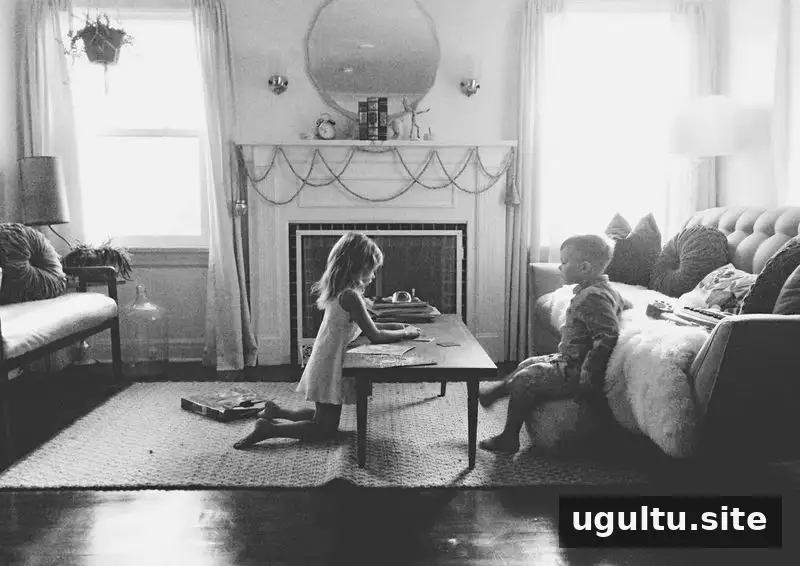
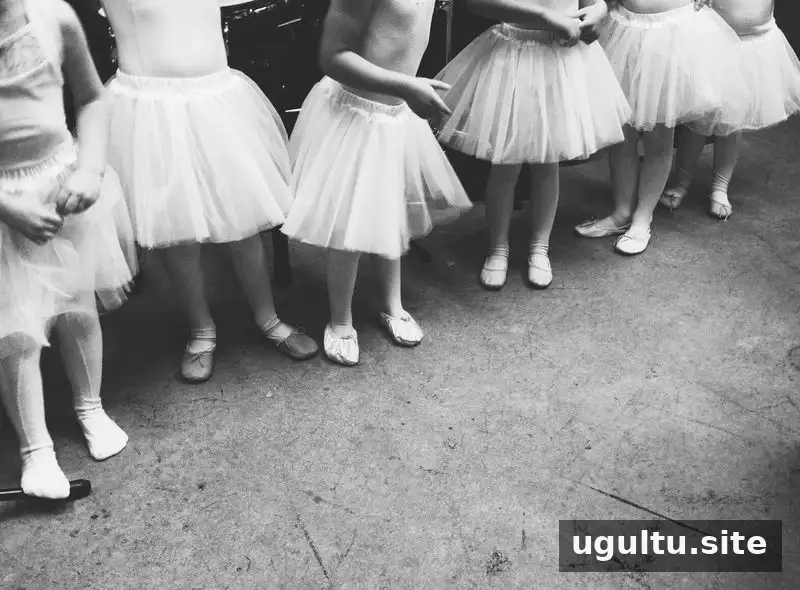
In a photograph taken in a dim waiting area, for example, converting to black and white may make clothing, limbs, and poses easier to notice if the original colors are distracting. The conversion will not add missing detail, so keep the edit subtle and let the subject remain the focus.

Choosing the right black and white edit
There is no single setting that works for every photograph. Compare a few versions, paying attention to the separation between the subject and background, the detail in bright and dark areas, and the overall mood. A good edit supports the scene rather than drawing attention to the editing itself.
Black and white photography is most effective when it highlights something meaningful in the frame—such as dramatic light, expressive shapes, or texture. Start by identifying that visual strength, then use a careful conversion and restrained adjustments to help it stand out.
Written by Janae.