 admin
admin
Knowing how to clean a TV screen properly helps remove dust and fingerprints without damaging its delicate surface. Most modern TVs use LCD (LED), OLED, or plasma displays, which may have coatings that are harmed by common household cleaners. A gentle microfiber cloth, light pressure, and guidance from your TV’s owner’s manual are the safest starting points.
Before you begin, identify your screen type and check the manufacturer’s cleaning instructions. Turn the TV off and let it cool, then clean the screen and surrounding vents carefully. You can also use the opportunity to remove dust from the remote, cables, and receiver.

Identify your TV screen type
Most current televisions have LCD (LED) or OLED screens, while some older sets use plasma displays. Older tube-style CRT TVs typically have a glass front. This distinction matters because newer flat screens often have sensitive coatings that can be damaged by chemicals or rough materials.
If you are unsure which type you own, look up the model number or consult the manual before cleaning. Manufacturer instructions take priority, especially if the warranty specifies which products or methods to avoid.
Supplies for cleaning a TV screen
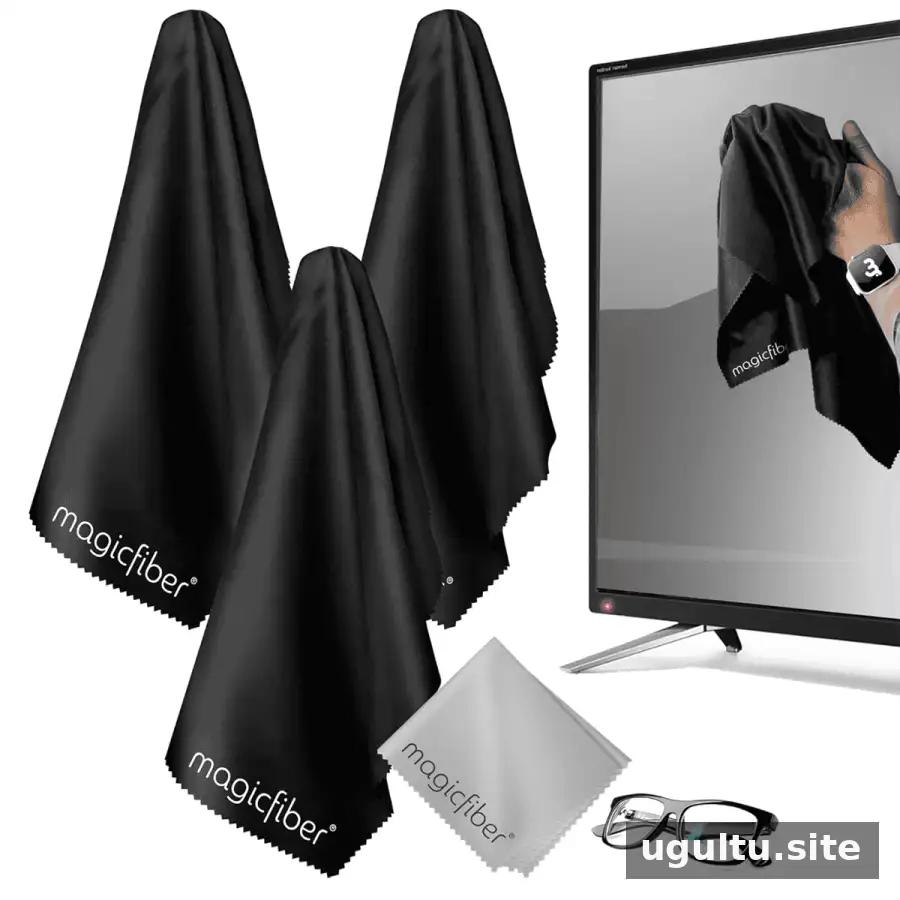
- A clean, soft, lint-free microfiber cloth, such as one made for camera lenses or eyeglasses
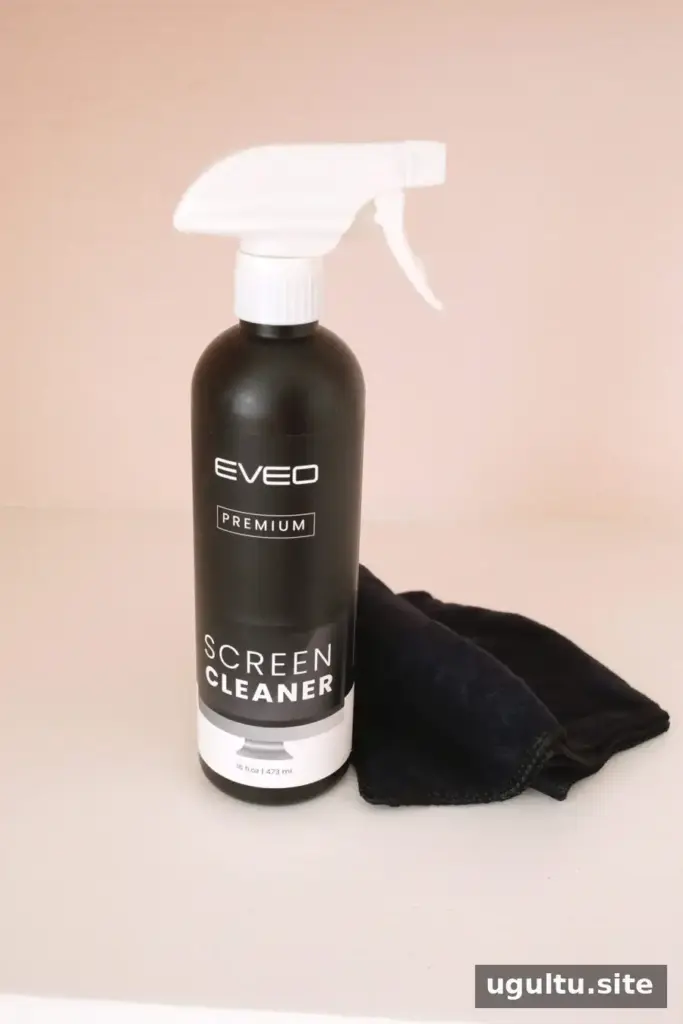
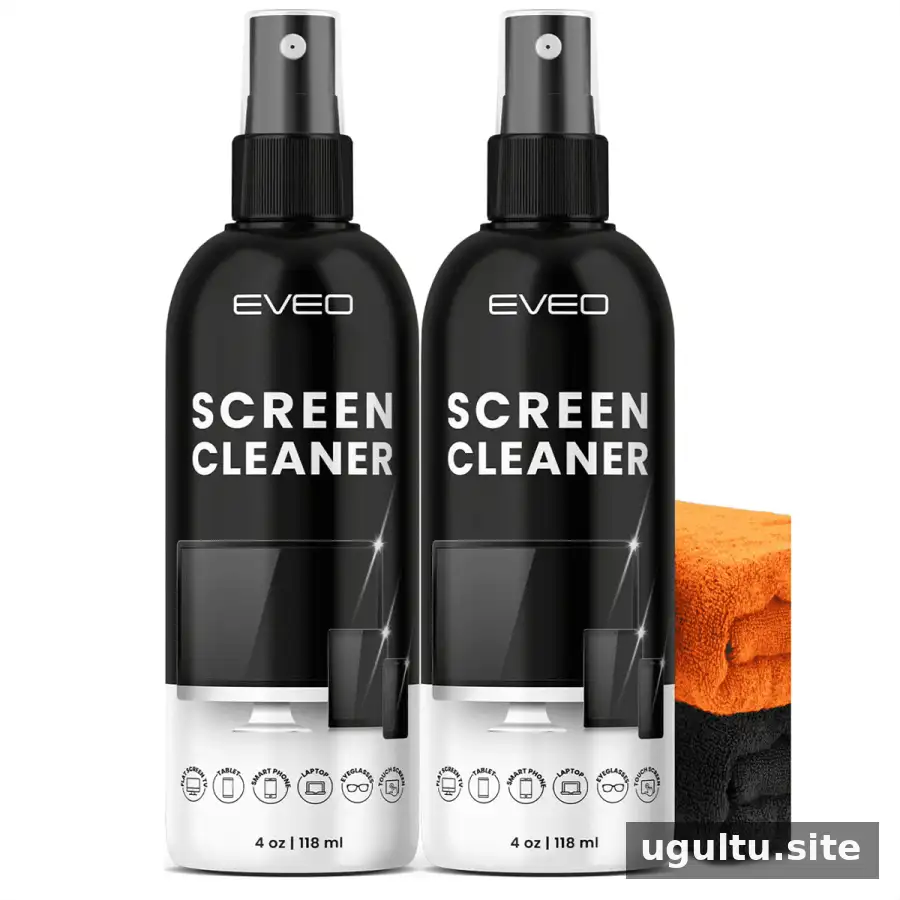
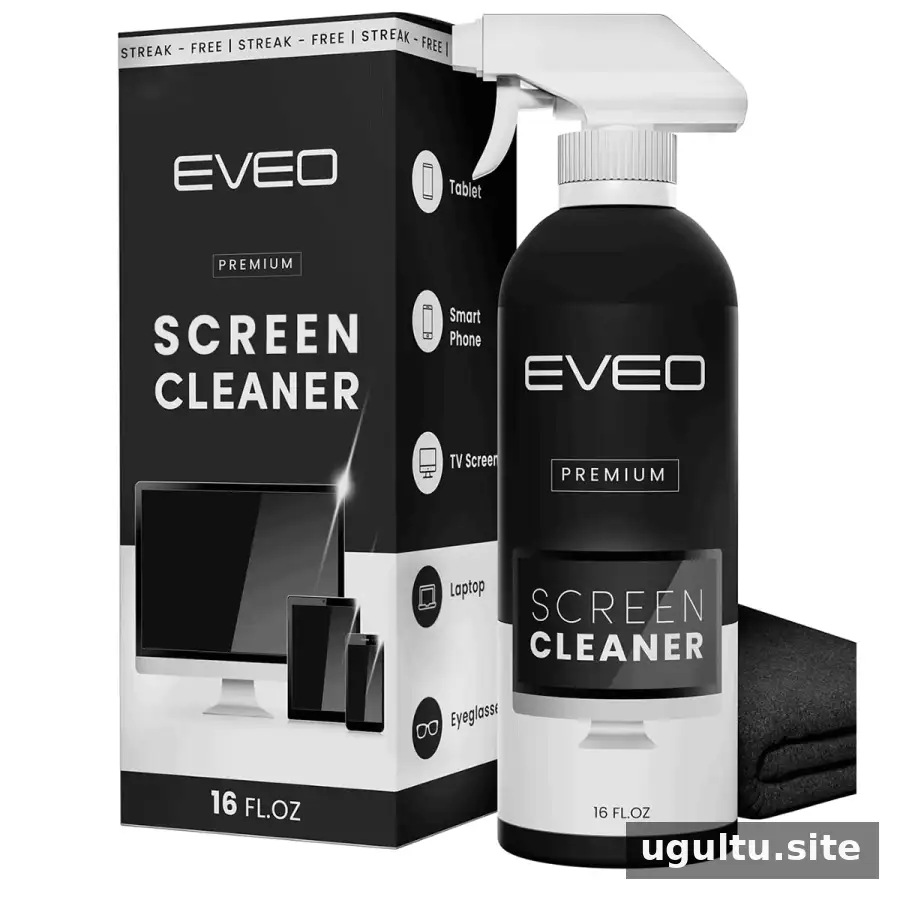
- Distilled water or a screen cleaner specifically approved for your TV, if needed
Use a dedicated cloth that is free of grit and cleaning-product residue. Keep liquids away from the screen’s edges, buttons, and ventilation openings.
What to avoid when cleaning a flat-screen TV
Do not use paper towels, tissues, abrasive pads, scouring powders, or household rags that may scratch the display. Avoid window cleaners and products containing ammonia, acetone, benzene, paint thinner, wax, or undiluted dish soap. Alcohol and other solvents can also damage screen coatings, so use them only if the TV’s manufacturer explicitly approves them.
Never spray liquid directly onto a TV. Moisture can run into the frame and damage internal components. Avoid pressing hard, since excessive pressure may harm the display.
How to clean a TV screen
- Turn off the TV: Switch it off and, if practical, unplug it. Let the screen cool. A dark display also makes dust and fingerprints easier to see.
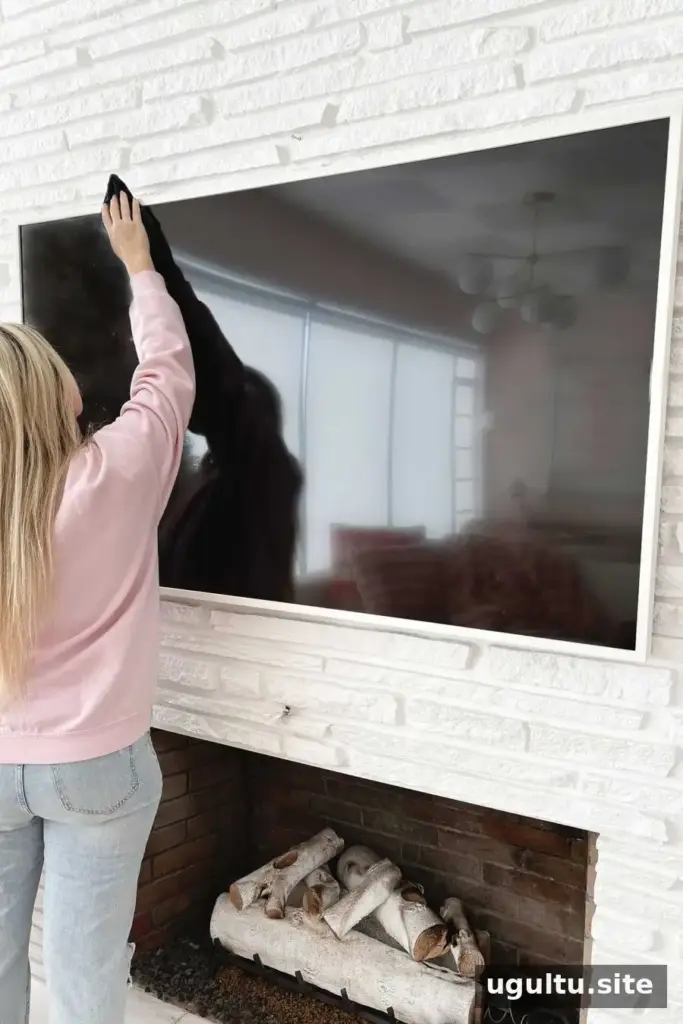
- Remove loose dust: Gently wipe the screen with a clean, dry microfiber cloth. Use light pressure and small circular motions. Wipe the top and side edges carefully, too.
- Address smudges: If marks remain, lightly dampen a clean microfiber cloth with distilled water or a screen cleaner approved for your model. The cloth should be barely damp, not wet. Wipe the affected area gently.
- Dry and check: Use a separate dry microfiber cloth to remove any remaining moisture or streaks. Do not turn the TV back on until the screen and surrounding areas are dry.
Check that the ventilation openings are clear of dust so the TV can release heat. If the set is on a stand, steady it carefully while wiping around the frame; do not pull or push on the screen.
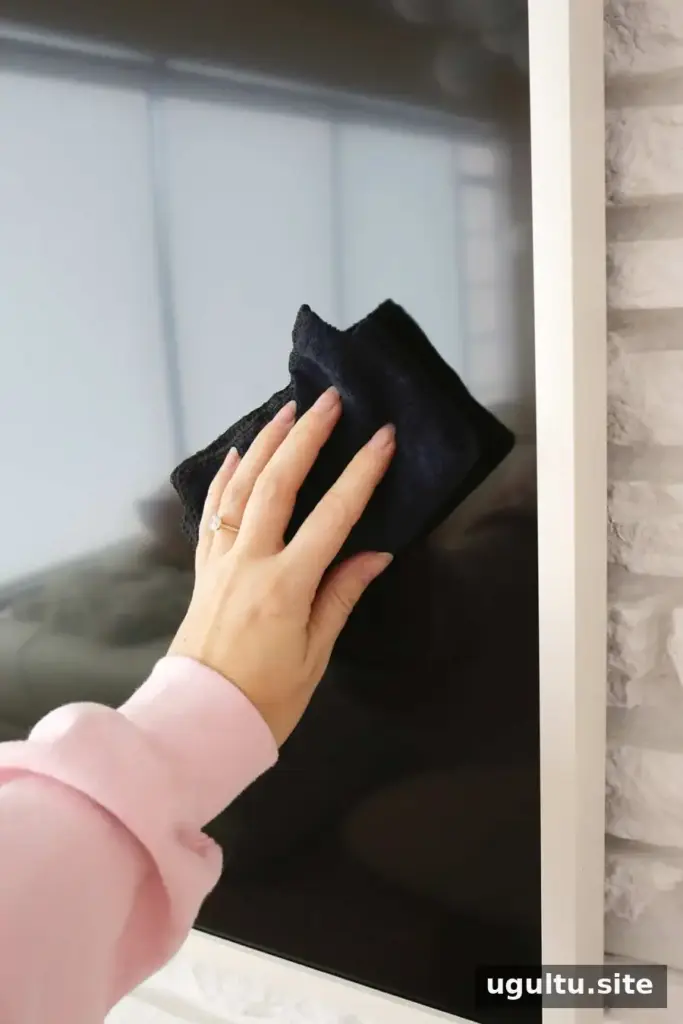
Apply any cleaning liquid to the cloth, never directly to the screen. Use as little moisture as possible.
Can you make a homemade TV cleaner?
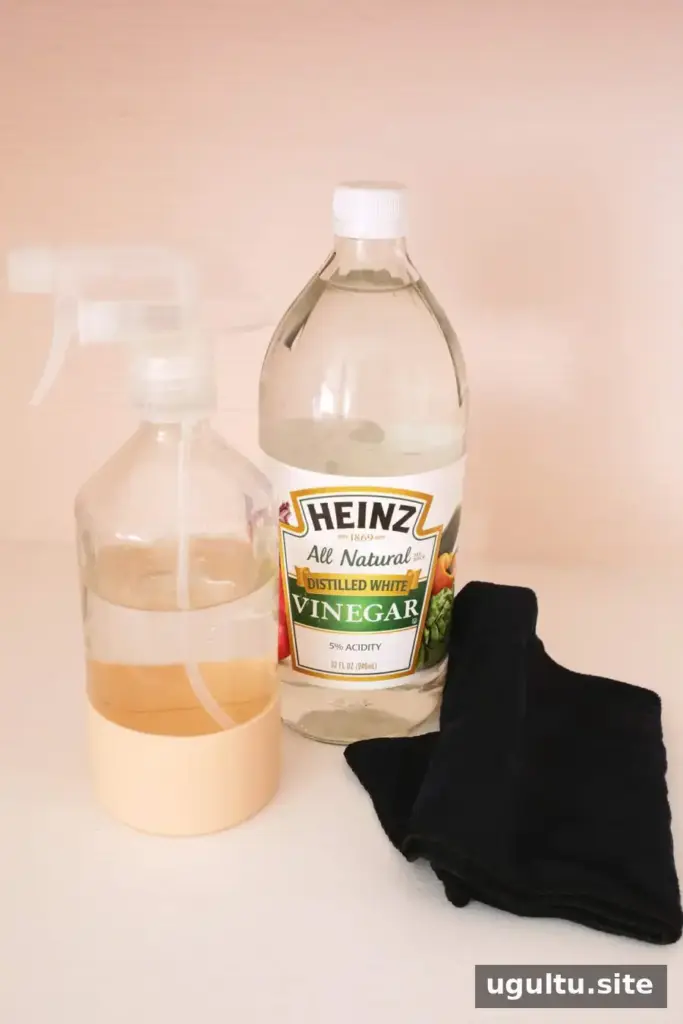
Screen coatings vary, so a homemade mixture such as water and vinegar is not a universal or risk-free choice. Check your manual before using any solution. If it does not approve a cleaner, use a dry microfiber cloth first and, when necessary, a small amount of distilled water on the cloth.
Can you use tap water on a TV screen?
Distilled water is generally preferable because minerals in tap water can leave marks as the moisture dries. If distilled water is unavailable, follow the manufacturer’s recommended cleaning method rather than substituting another household product.
How to clean a glass-front CRT TV
A tube-style CRT has a glass front, unlike the coated surface of most modern flat screens. Turn it off, let it cool, and remove dust with a clean, soft cloth. Keep the ventilation openings clear and support the set securely while cleaning.
For fingerprints or residue, use a product only if the TV’s manual confirms it is suitable for the glass. Put a small amount on the cloth rather than spraying the television, and keep moisture away from the frame and openings. Finish with a dry cloth to remove streaks.
TV cords and receiver or cable-box surfaces collect dust, too. Wipe them with a dry cloth; if residue needs attention, use a barely damp cloth and keep liquid away from plugs and connections.
How to clean a TV remote
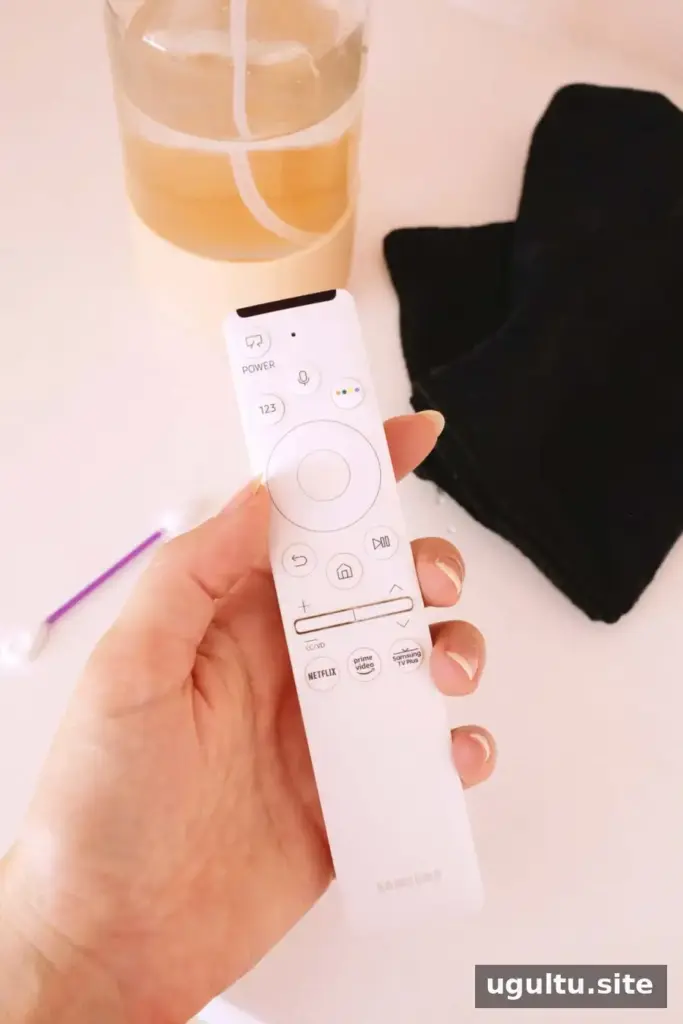
Remotes are handled frequently, so occasional cleaning helps remove grime. First, take out the batteries. Tap the remote gently into your palm to loosen crumbs, then wipe the outside with a soft cloth that is only slightly damp. A small amount of diluted 70% isopropyl alcohol may be used on the cloth if the remote’s manufacturer permits it. Do not soak the remote or let liquid seep between the buttons.
For debris around buttons, carefully use a barely damp cotton swab. A toothpick can help dislodge stuck material, but use it gently to avoid damaging the buttons. Dry the remote completely before reinstalling the batteries.
Keep your TV screen clean without damaging it
The safest approach to how to clean a TV screen is to switch off the set, use a clean microfiber cloth, and apply minimal pressure. For stubborn marks, choose distilled water or a cleaner approved for your specific model, and dampen the cloth instead of spraying the display. Check the manual whenever you are uncertain about the screen type or a cleaning product.