 admin
admin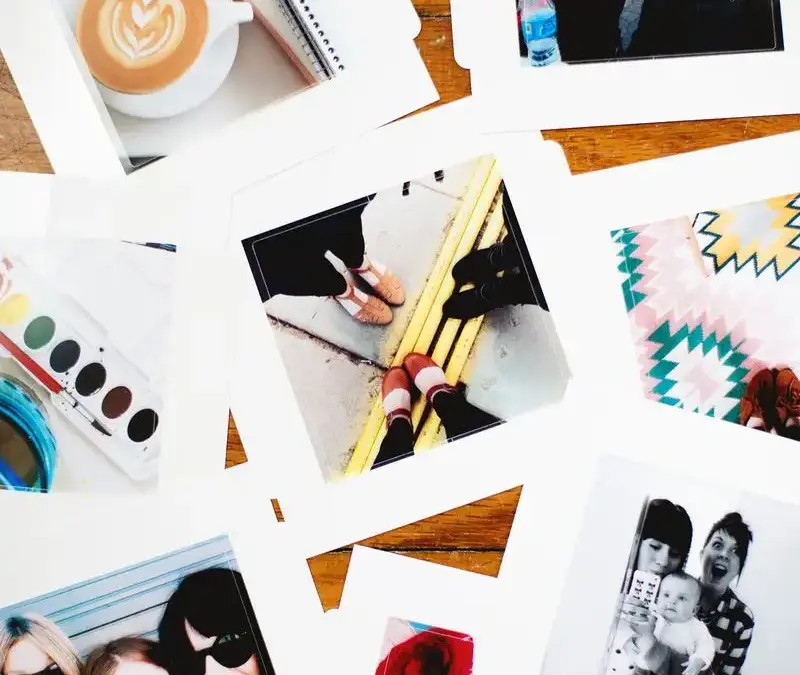
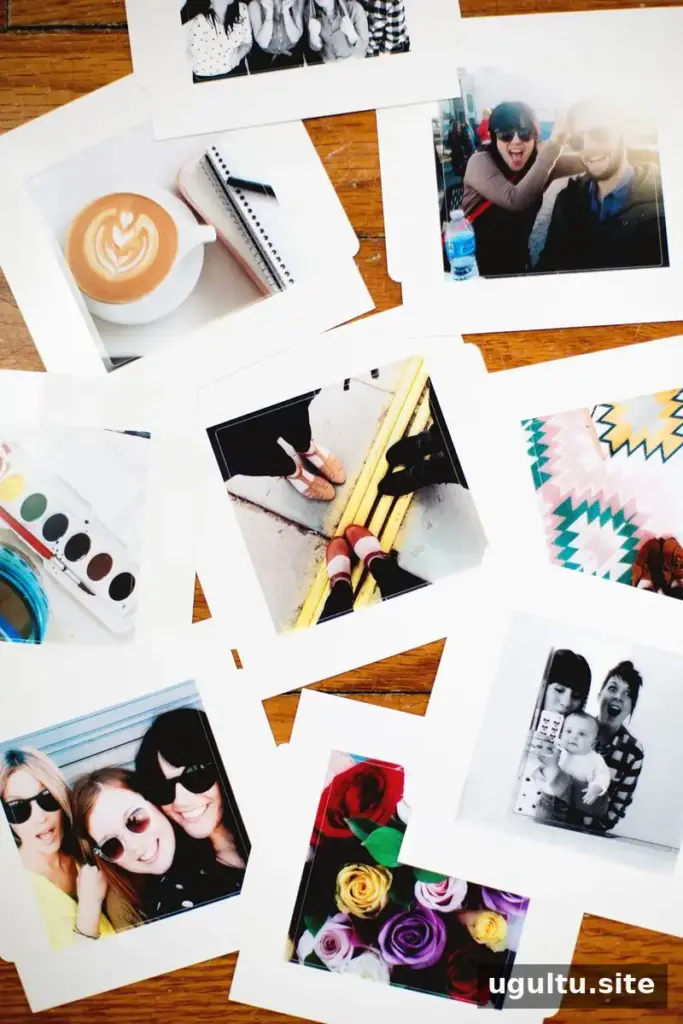
Instagram stickers let you turn favorite square photos into small prints for greeting cards, journals, and other creative projects. The SELPHY CP910 photo printer can produce 2″ x 2″ stickers as well as 4″ x 6″ photos, making it possible to print compact images at home. Its small sticker format is especially useful when you want to add a personal photo to a handmade card or keep a printed memory close at hand.
How to Make Instagram Stickers at Home
Before printing, choose the square images you want to use and check that the important parts of each photo are positioned within the frame. A little planning helps prevent faces or other key details from being cropped when the image is printed in a small format. Keep the original digital photo too, so you can adjust the crop if the first layout does not look right.
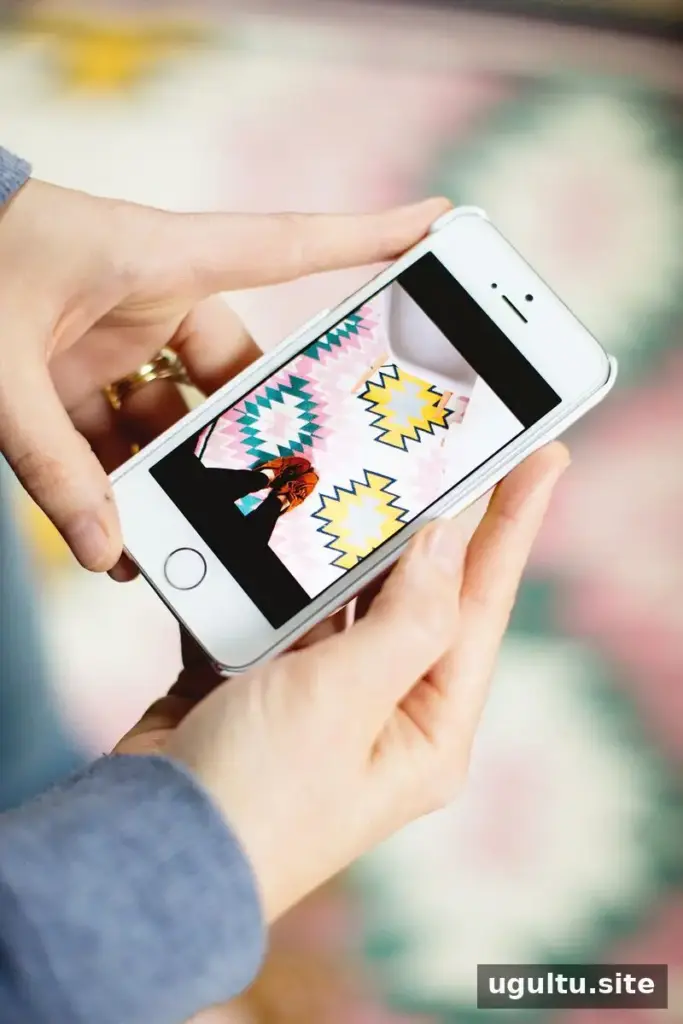
Print from a phone
The Canon iEPP app can send photos from a phone directly to the printer. When printing stickers from a phone, select the bordered option so the image stays within the sticker boundaries. Review the preview before printing; this is a simple way to check the crop and avoid wasting sticker paper.
Print from a computer
A computer offers another way to prepare the print. Choose the 54mm x 86mm paper size in the print settings. This option provides more control over the layout and also allows borderless prints. Check the selected paper size and border setting before sending the image to the printer, since these choices affect how the final sticker is framed.
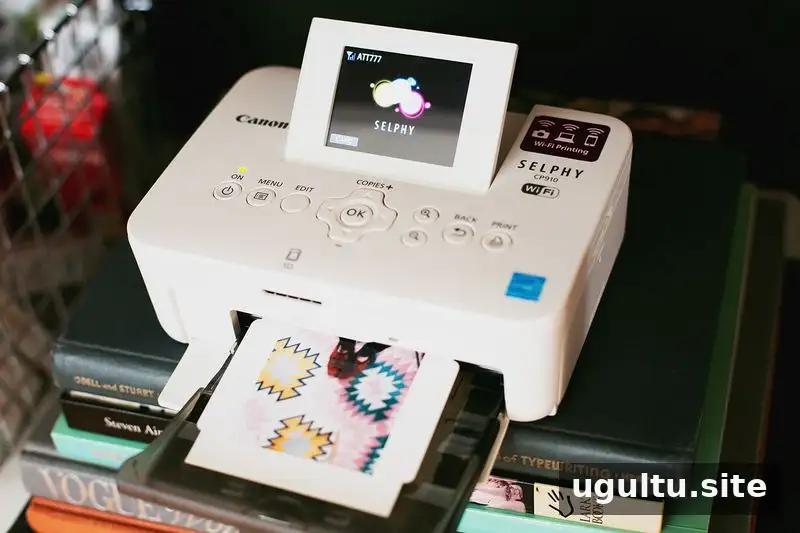
The compact 2″ x 2″ format works well for small decorative details. For a neat result, handle each print carefully and decide where it will go before removing its backing. If you are making several stickers, print one first to confirm that the image size and border look the way you expect.
Use Instagram Stickers in Handmade Cards
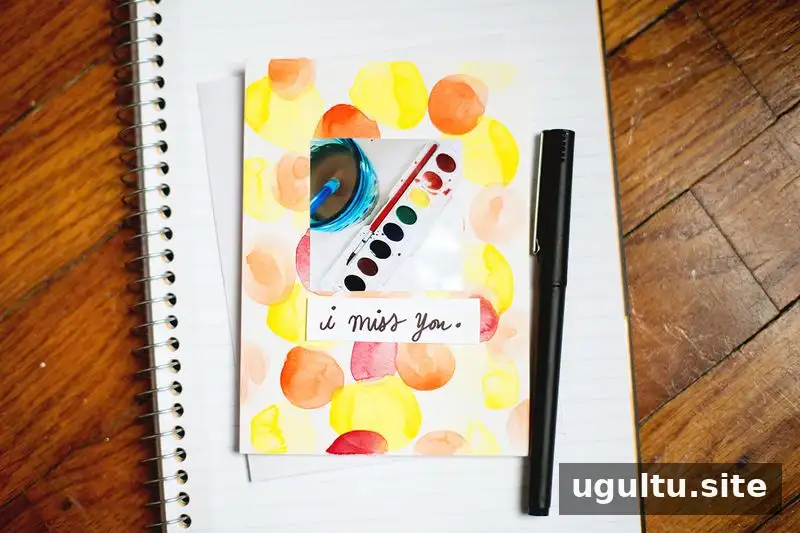
Printed stickers can add a personal touch to simple handmade greeting cards. Pair one with a watercolor background and a short handwritten message for a straightforward design. Allow painted areas to dry before placing the sticker, and leave enough open space around the photo so the card does not feel crowded.
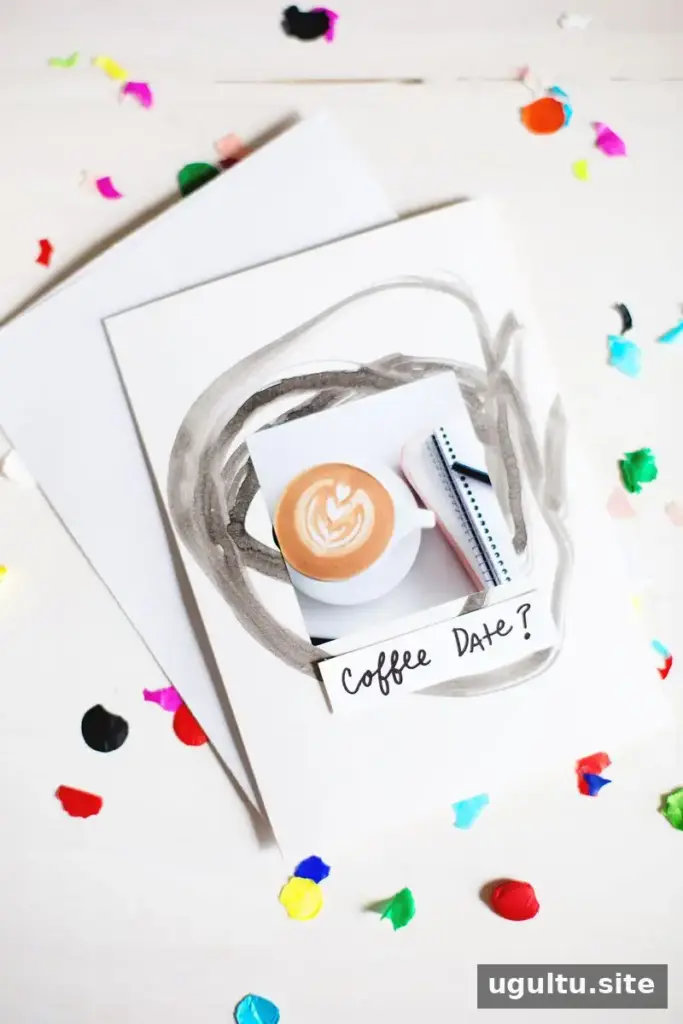
The same approach can be adapted for other paper crafts, such as scrapbook pages or small notes. Consider the surface before applying a sticker: a clean, dry area makes it easier to position the image neatly. Keep spare prints flat and protected until you are ready to use them.
Enjoy Your Custom Photo Stickers
With a suitable printer, the right paper-size setting, and a carefully selected square image, making Instagram stickers at home can be a simple way to bring digital photos into creative projects. Use the bordered phone-print option to keep images within the sticker area, or choose the computer setting when you want more layout control and borderless printing. A few small prints can turn an ordinary card into a personal keepsake.
Written by Elsie