 admin
admin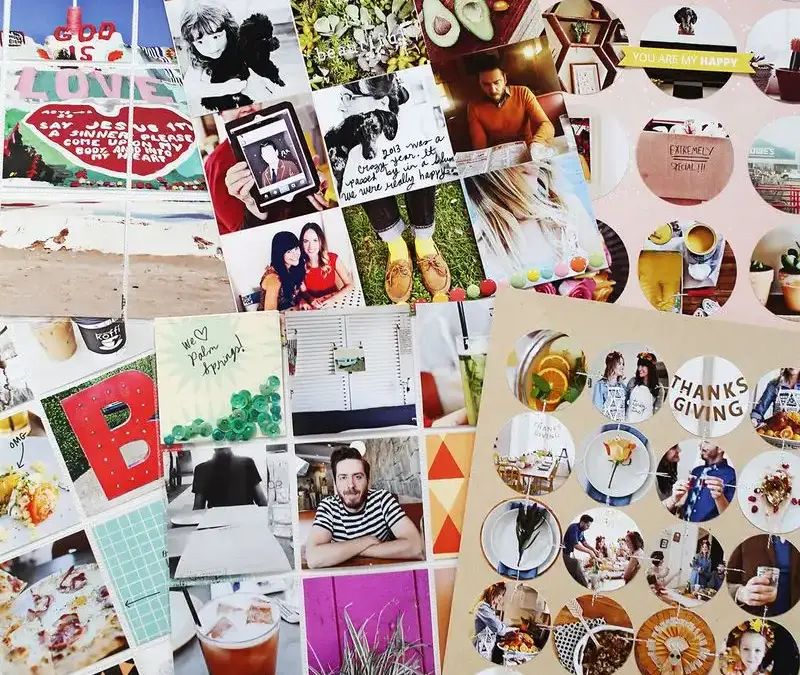
Photo-filled scrapbook pages are a practical way to bring a collection of favorite memories together in one place. A mix of photo sizes, simple shapes, pockets, and brief notes can make a busy layout feel organized while keeping the focus on the pictures. These ideas offer several ways to document an event or trip without giving every image a separate page.
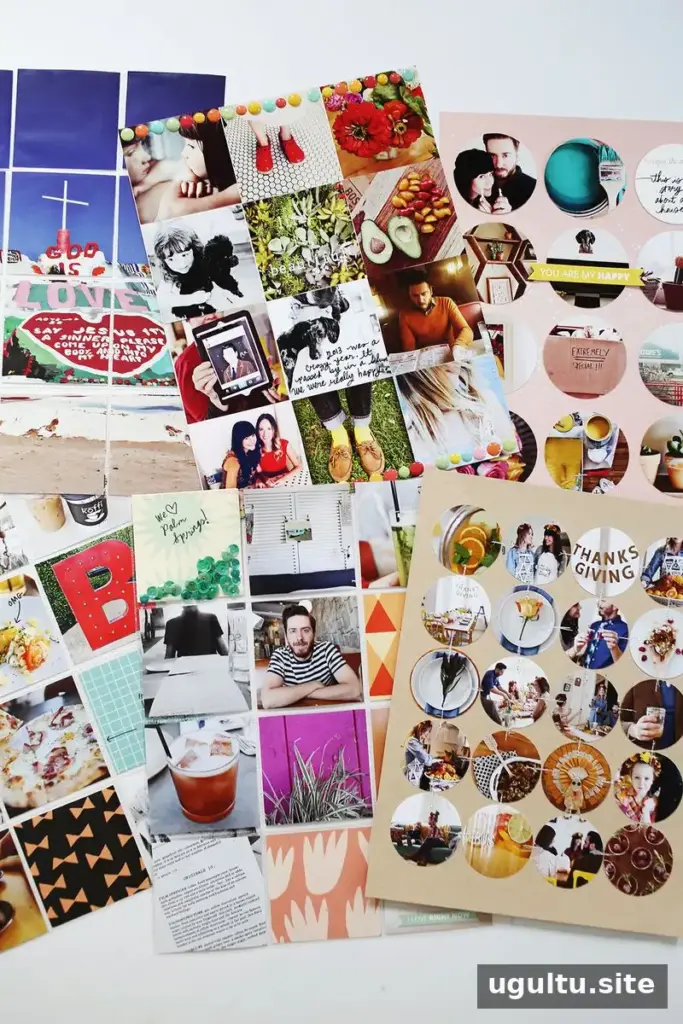
Prepare Photos for Scrapbook Pages
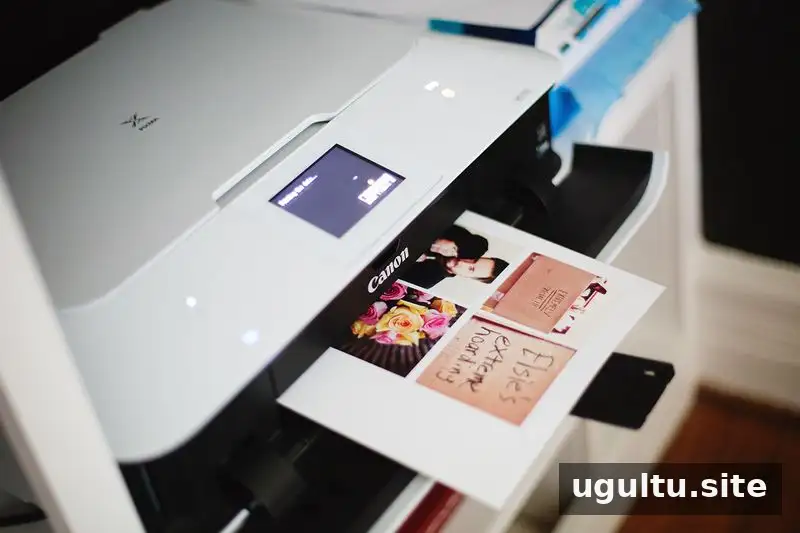
Printing several small pictures on one sheet can help consolidate photo printing. For these layouts, the photos were printed at 3″ × 3″ on 8.5″ × 11″ sheets of semi-gloss photo paper. Before printing, consider which images work best together, such as details from the same event or moments from one trip.
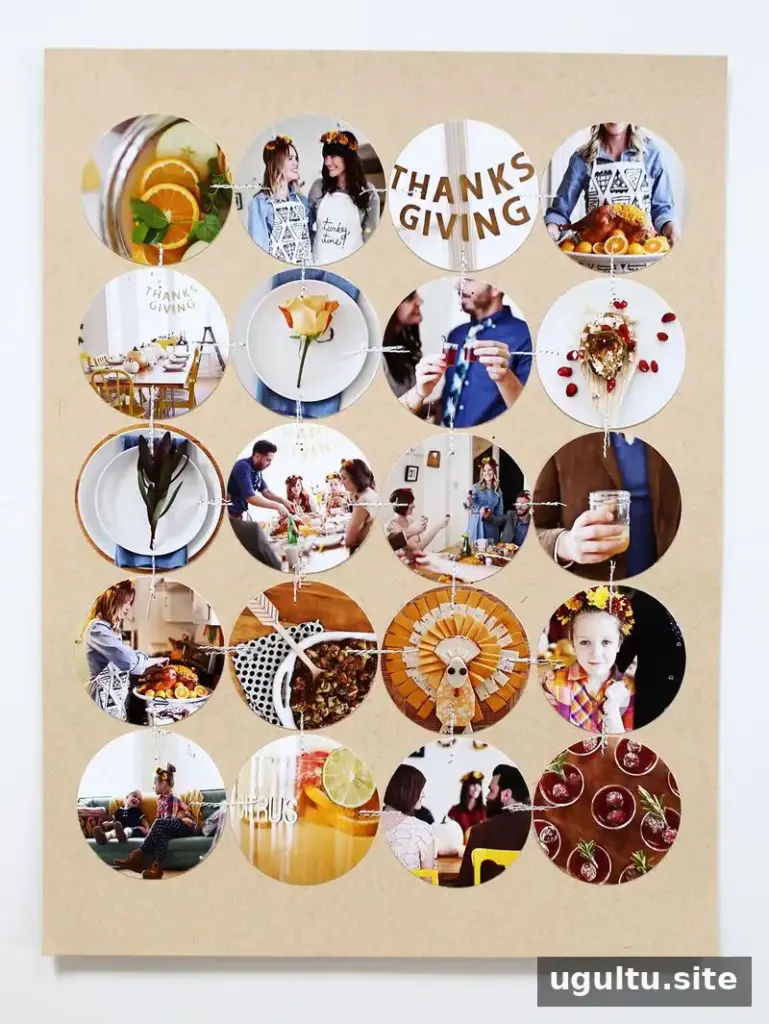
Make a Circle Grid With Multiple Photos
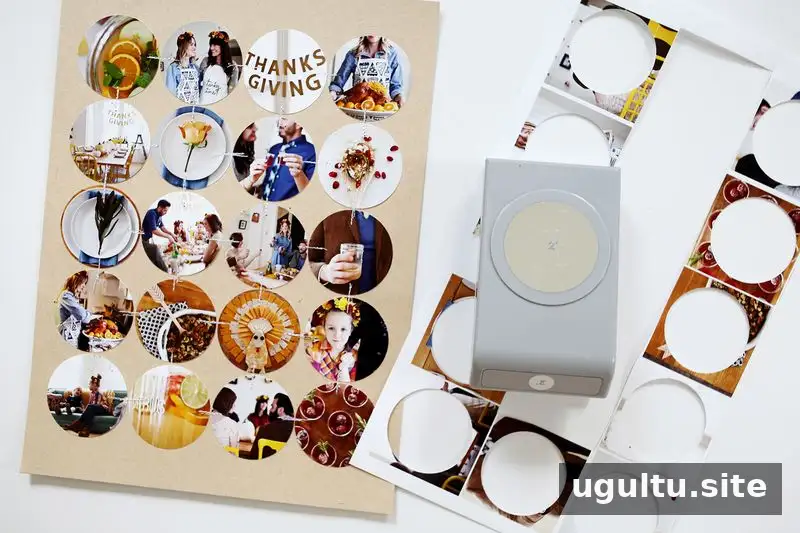
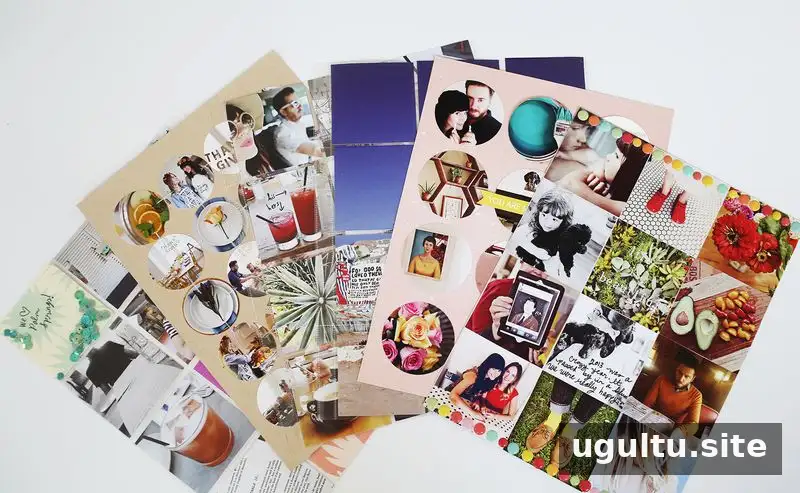
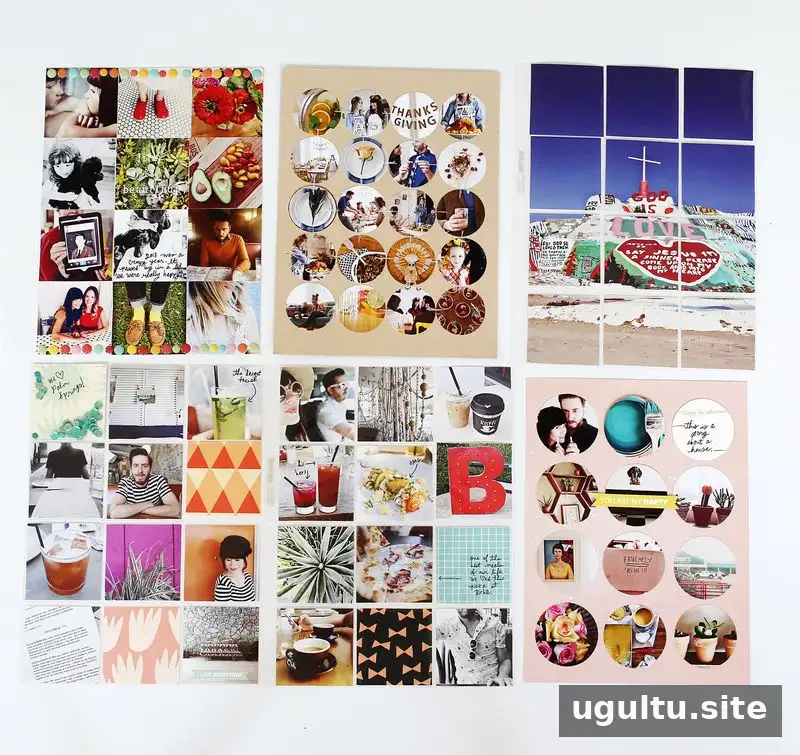
For this layout, a 2″ circle punch was used to cut 20 circles. Arrange the circles in a grid, then add short stitched lines between them for a connected, finished look. A grid is helpful when you have many favorite images but want to keep them together on a single page.
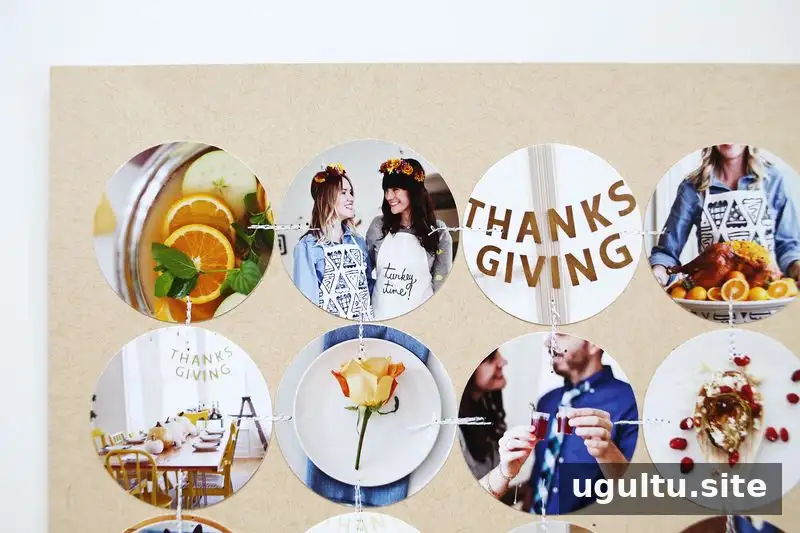
This approach works especially well for detail shots and event photos. To give the album a change of scale, place the page near a full-page photo. When planning the grid, lay out the circles before attaching them so you can balance colors and subjects across the page.
Use Pocket Pages for Trip Photos
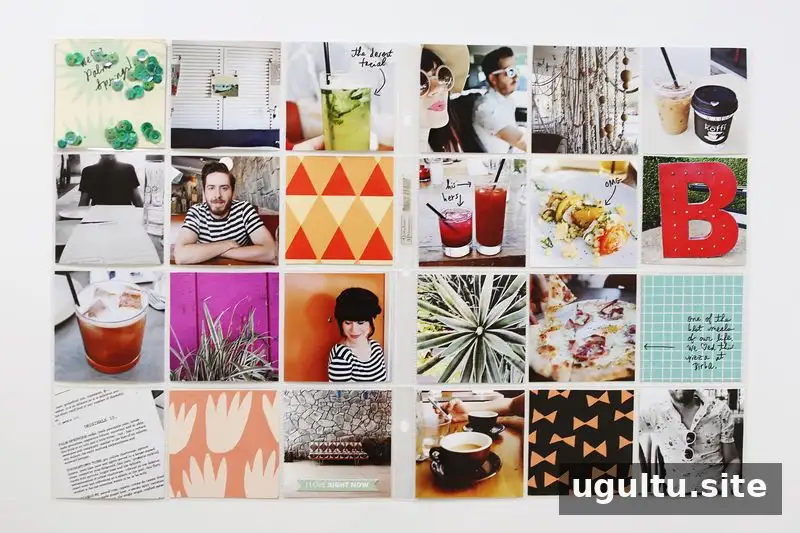
Square pockets make it easy to group images from a trip, such as the Palm Springs visit shown here. Mixing photos with colorful patterned papers adds variety while keeping the layout within a consistent pocket structure. Check that each image is cropped to fit its pocket before assembling the page.
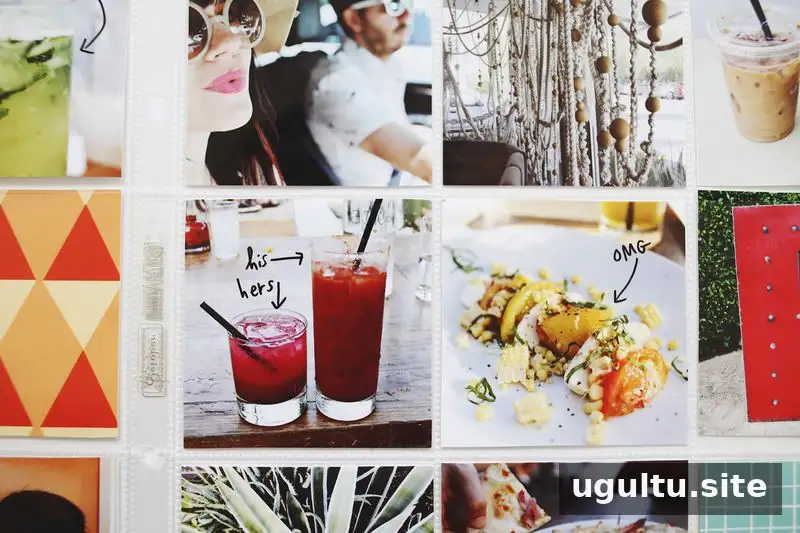
Short notes can be written directly on photos to record names, places, or small details. If lengthy journaling feels difficult, a few brief captions placed throughout the album can still provide useful context. Use a photo-safe pen and test it on a spare print first.
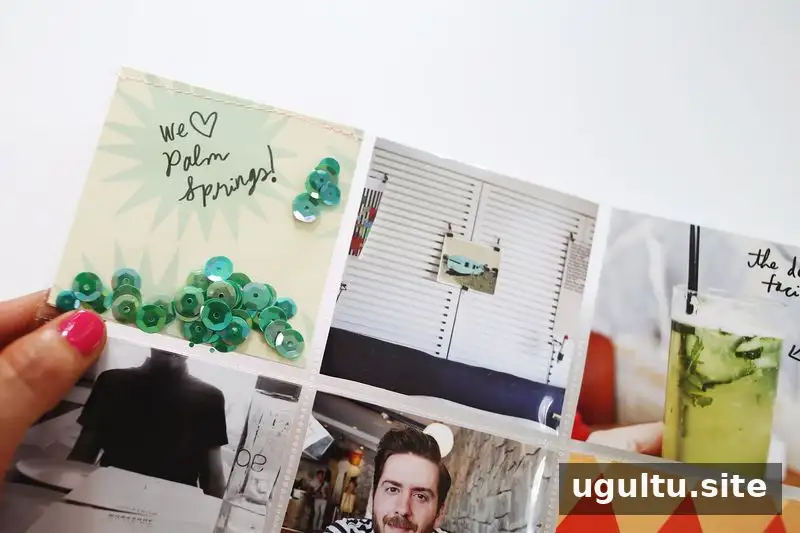
A pocket can also become a decorative feature. In this example, a pocket was filled with sequins and stitched closed. Keep embellishments contained, and make sure the stitching securely closes the pocket.
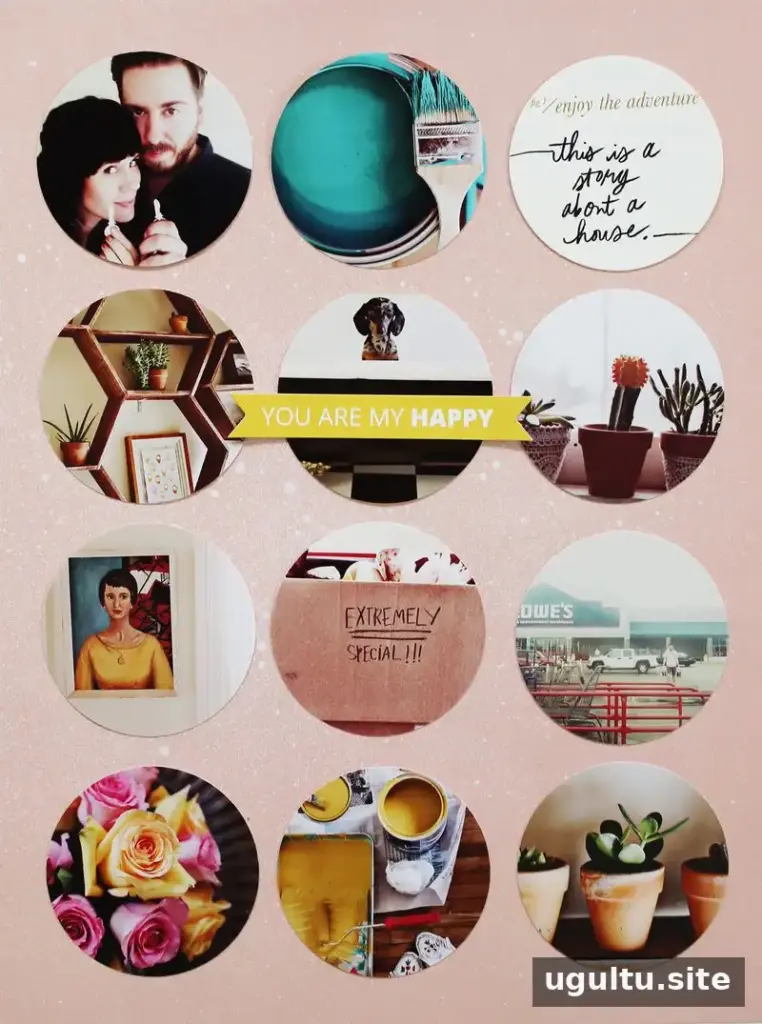
Try Different Circle and Square Layouts
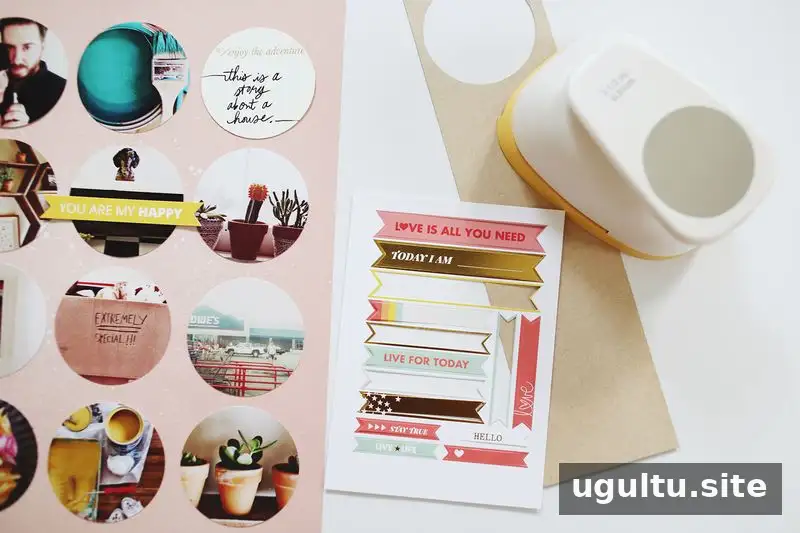
For another circle design, use a larger 2 1/2″ punch. Add a few paper details and a circular journaling card to introduce decoration and space for a note. Repeating a shape across the page helps tie different photos and embellishments together.
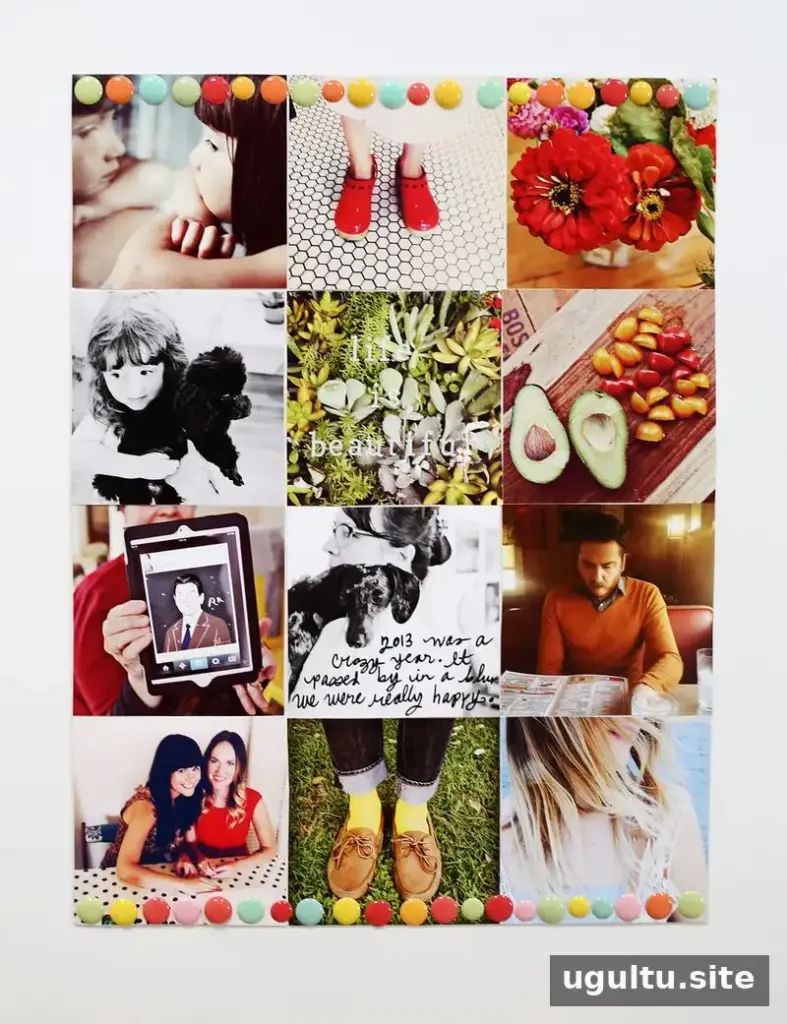
Square photos can also be pieced together to create a compact collage. Add notes directly to the images and use enamel dots for touches of color and texture. Keep embellishments clear of important faces or details, and avoid overcrowding the photo edges.
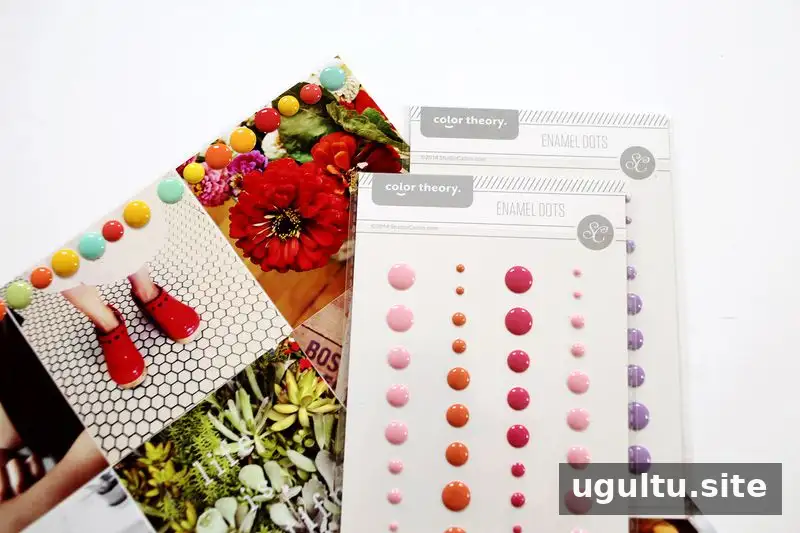
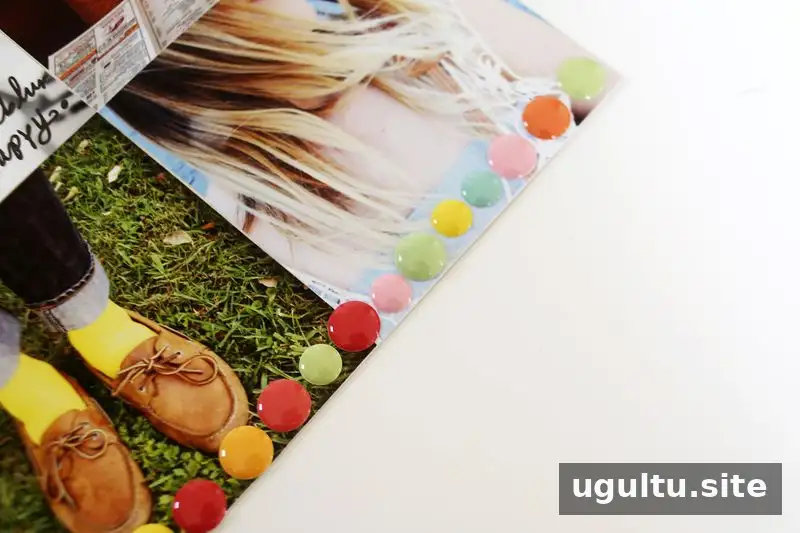
Supplies used include enamel dots, patterned papers, sequins, and photo-safe pens. Choose a small selection of materials that complements the pictures; repeating a few colors or shapes can make a multi-photo page feel cohesive.
Create a Large Image With Pocket Pages
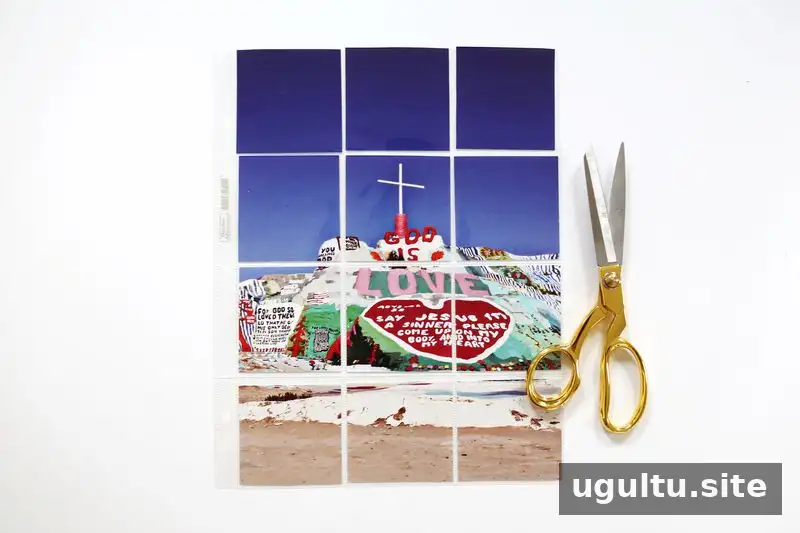
A pocket-page layout can also feature one large image. If a wide-format printer is not available, print the image across multiple sheets and piece the sections together within the pockets. Align the sections carefully so the image reads as one photograph, and check the crop before placing the prints.
Plan Your Photo-Filled Scrapbook Pages
Photo-filled scrapbook pages can combine compact photo grids, pocket layouts, handwritten details, and simple embellishments. Start by grouping pictures with a shared event or story, then choose a layout that suits their shape and number. A few captions and consistent design elements can help preserve context without taking attention away from the memories.
Scrapbook page ideas by Elsie.