 admin
admin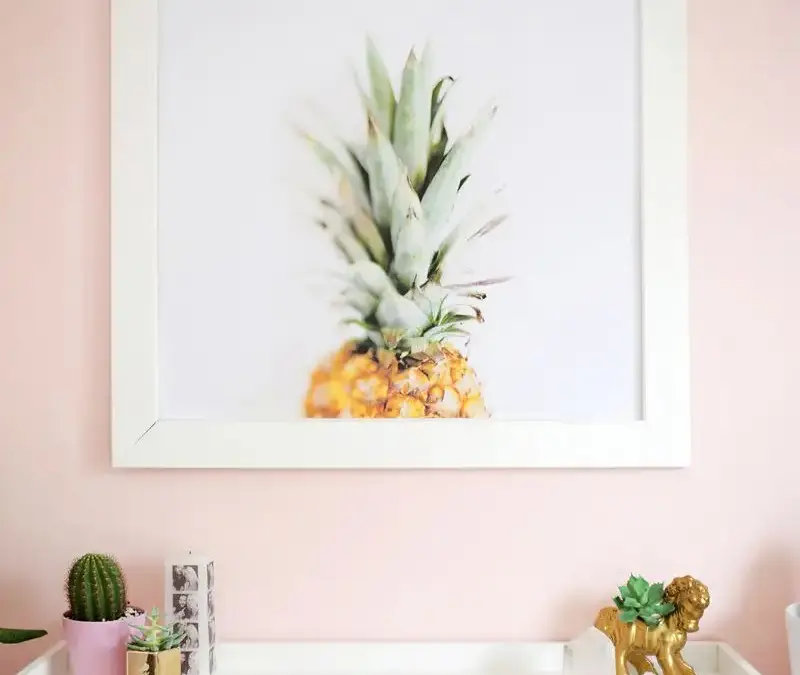
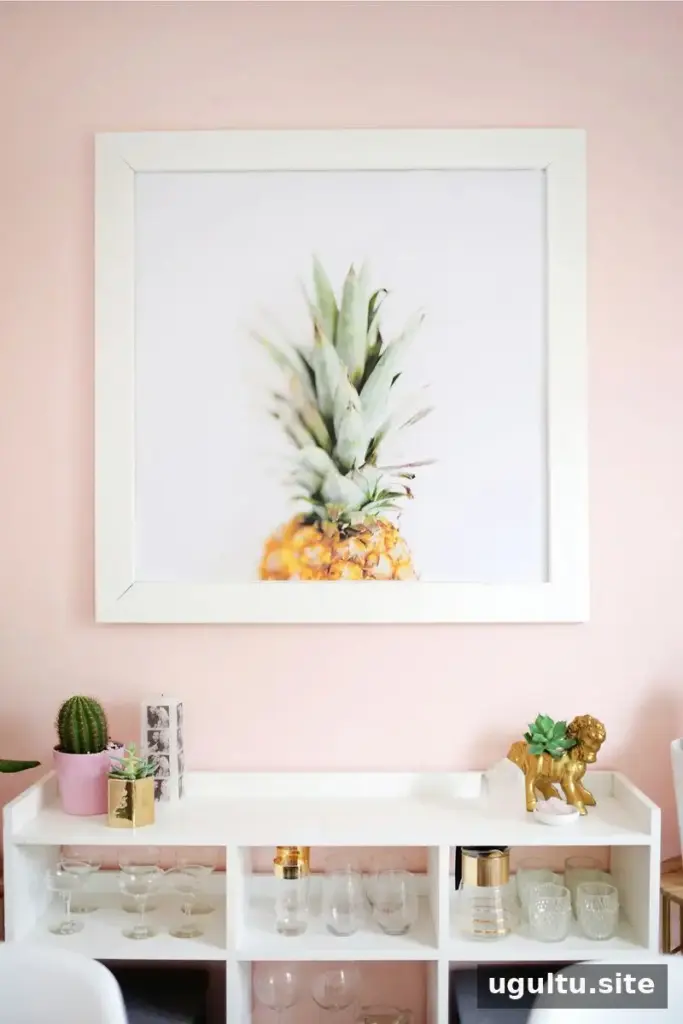
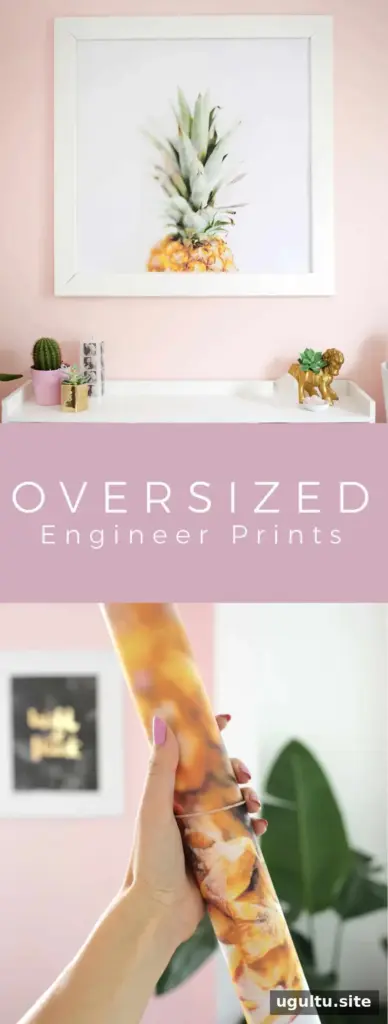
Color engineer prints offer an inexpensive way to create oversized wall decor, party decorations, or photo booth backdrops. Some print shops can produce these large-format prints in color, but availability and file restrictions may vary. Before preparing an image, contact the location you plan to use and ask what sizes and color options it currently supports.
What to know before ordering color engineer prints
Not every location has equipment for color engineer prints. Calling ahead can save a trip and help you confirm the maximum print size, accepted file formats, and current pricing.
Some providers may limit how much of the page can be printed in color. The service described here allowed color in up to 30% of the image, so a design with a colored illustration and plenty of white space was a useful workaround. Policies may differ, and enforcement can vary, so ask about the rules before finalizing your design. It is also sensible to have a simpler backup image ready.
For example, a downloadable pineapple illustration surrounded by white space can suit a restricted color print better than a full-page photograph. Check that you have permission to print any artwork you use, and review the finished file for unwanted borders or blank areas.
Prepare your image for a large print
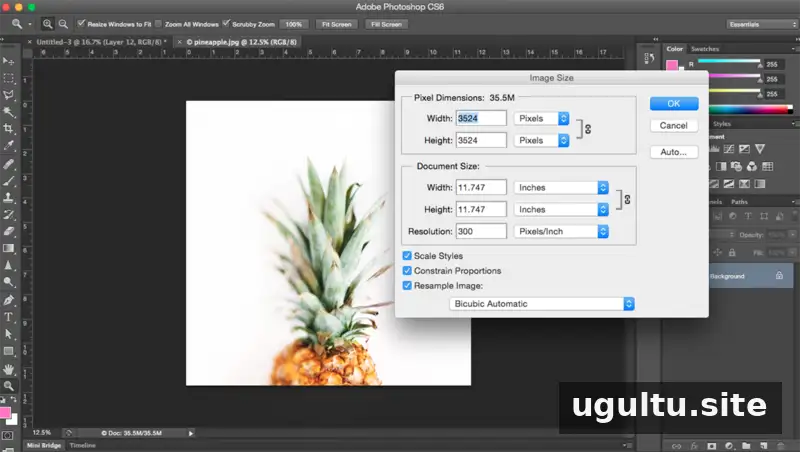
Start with the highest-resolution version of the image available. Enlarging a small image cannot restore detail that is not in the original, so a larger source file generally gives you a better chance of getting a clear result.
Set the size and resolution carefully
If you use Photoshop, open the image and choose “Image” followed by “Image Size.” The original guide suggests increasing resolution in roughly 10% steps, beginning at 72 dpi and working toward 300 dpi, then adjusting the dimensions to the intended print size. However, changing the dpi value alone does not create new image detail. If you enlarge the image using resampling, inspect the result at a suitable zoom level for blur or pixelation.
Large prints are often viewed from farther away than small photos, so the ideal resolution depends on the image, print size, and viewing distance. Confirm the print shop’s preferred file specifications before preparing the final version. The example print was sized to 36 inches wide, a size that some blueprint-style services can accommodate.
- Keep an untouched copy of the original image.
- Check the final dimensions and crop before saving.
- Save the print-ready file to a flash drive if the shop accepts files that way.
- Ask the provider to confirm the size and any color restrictions before printing.
If you do not have image-editing software, a print shop may be able to enlarge the file for you. The result may look more pixelated if the original image is small, so ask to review a proof or confirm the expected quality where possible.
Display and use ideas
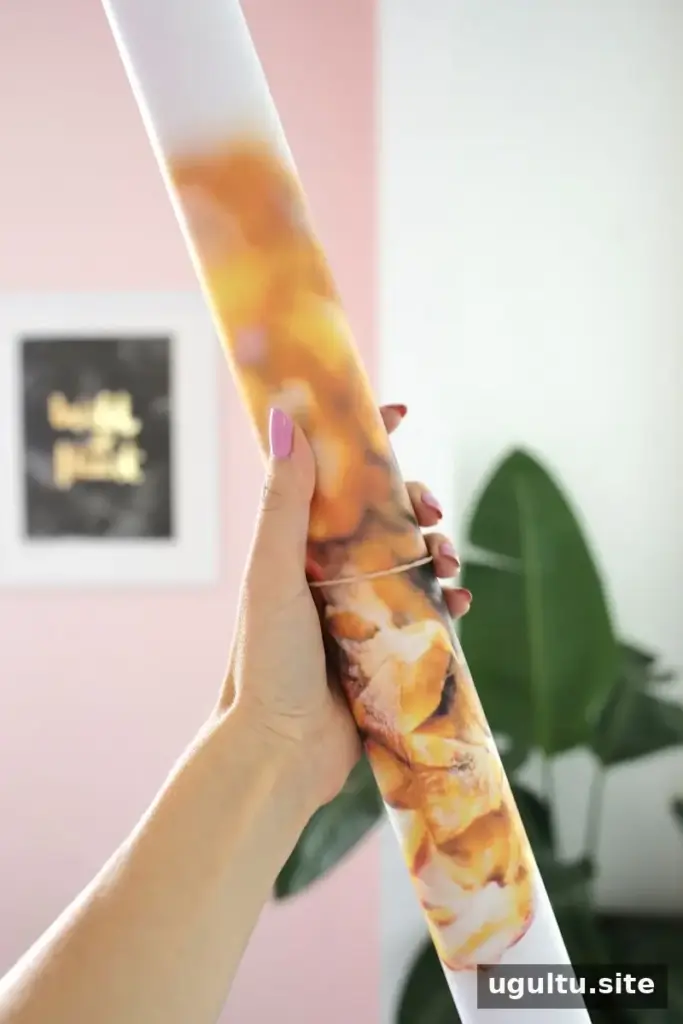
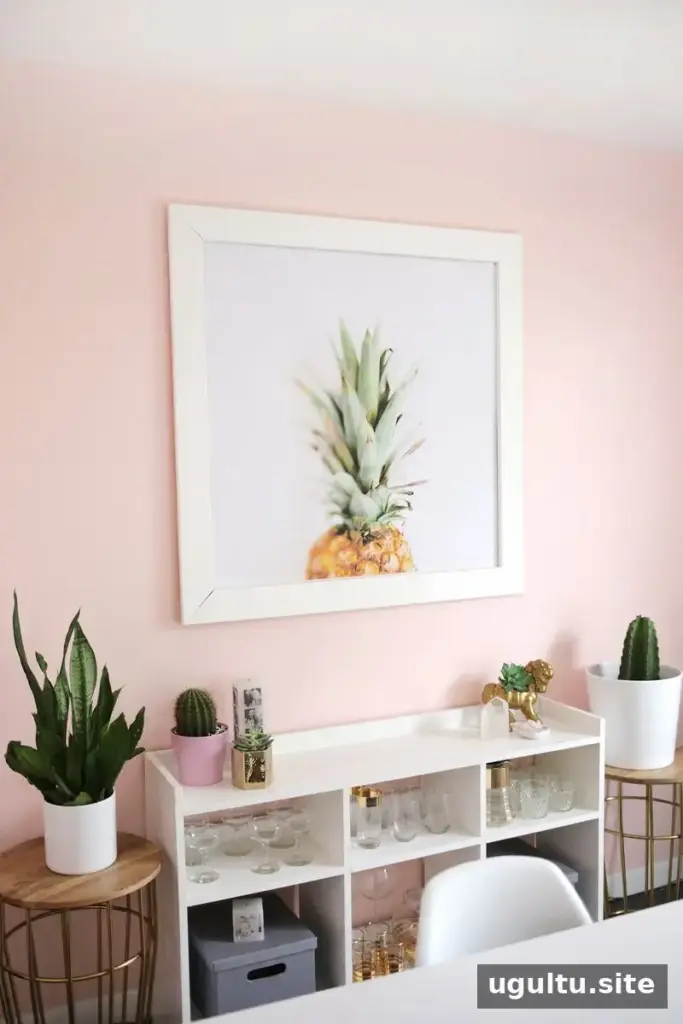
Large prints can brighten a room, decorate a party, or provide a bold backdrop. Seasonal artwork and plant-themed designs can also add a summery touch throughout the year. In the original example, a 35×35-inch print cost less than $10; treat that as a past example rather than a guaranteed current price, since rates and availability can change.
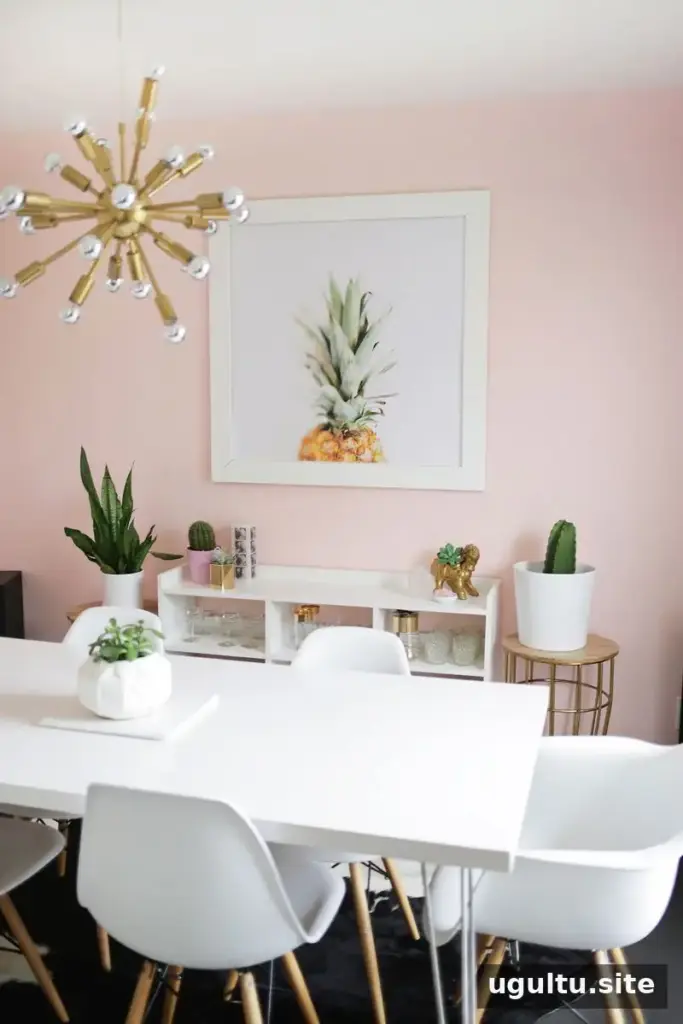
A large color print can be a cheerful, budget-conscious decor option when you choose an image suited to the service’s limits and prepare the file at an appropriate size. For the best chance of a clean result, check local availability, confirm color rules, and use the highest-quality source image you can find. Color engineer prints are worth considering for wall art and event decor, especially when you plan the design before sending it to print.
—Laura