 admin
admin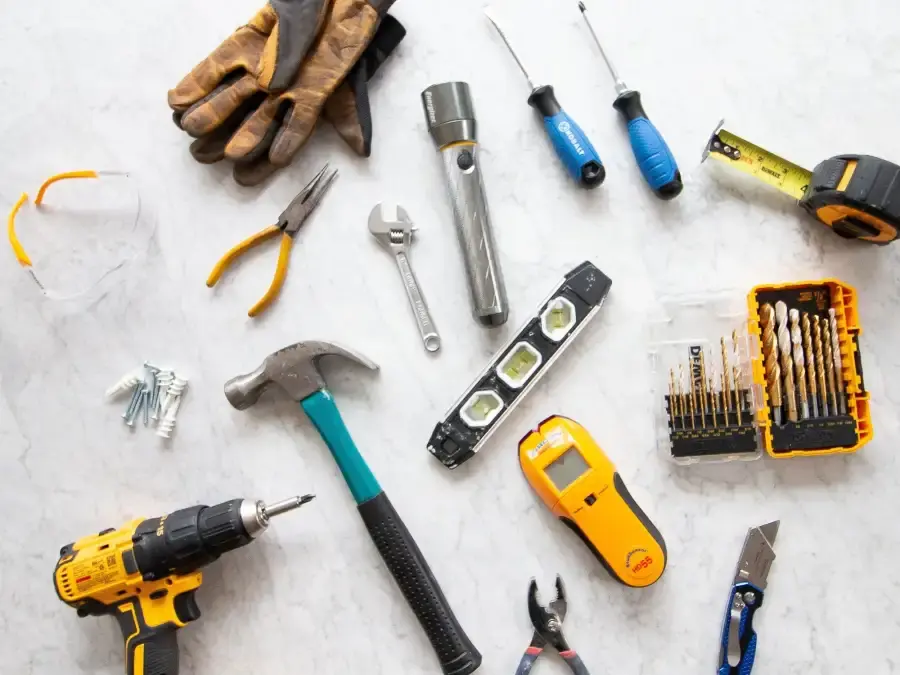
Learning how to use a power drill can make everyday home projects quicker and easier, from assembling furniture to hanging shelves. With the right bit, a cordless drill can bore holes or drive screws into a range of materials. This beginner’s guide explains the drill’s main controls, common bit types, basic safety steps and how to choose settings for your task.
Whether you rent or own your home, a drill can be useful for installing hardware, putting furniture together and preparing holes for wall anchors. Start with a simple task and practise on scrap material before working on a finished surface.
Power Drill Basics
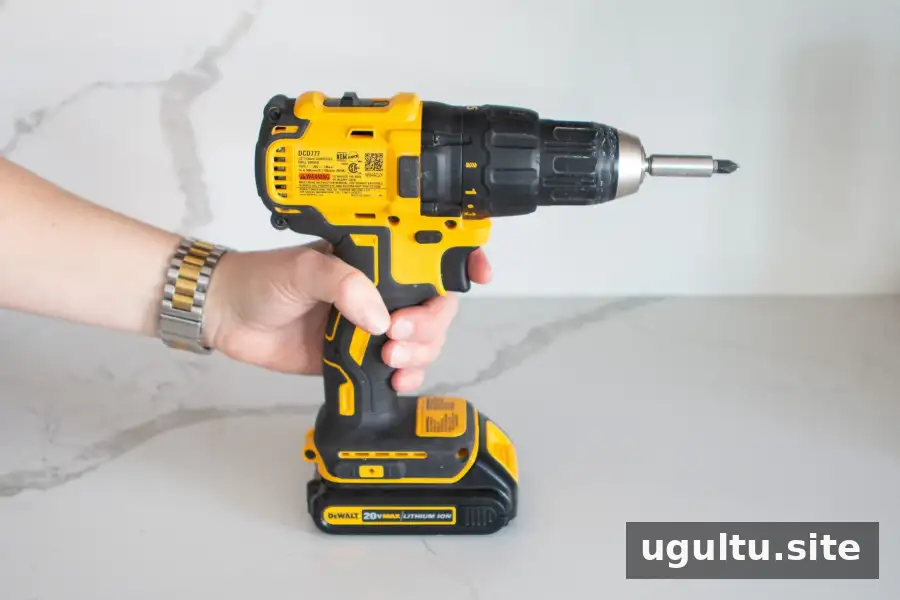
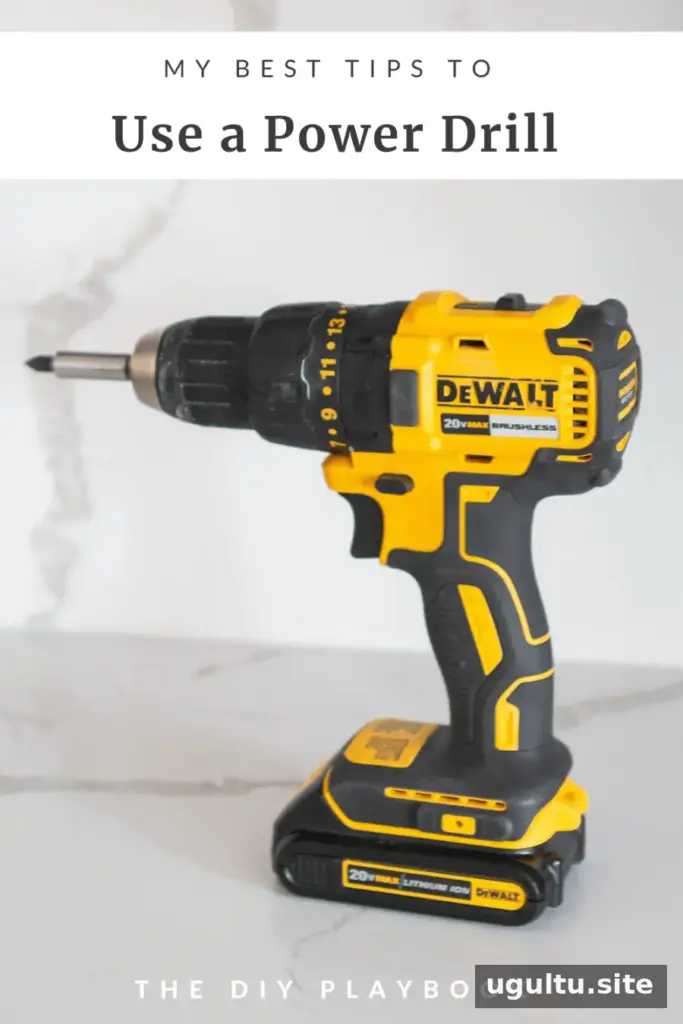
A power drill uses a rotating bit to make holes or fasten screws. A cordless drill runs on a rechargeable battery, so you can use it away from a power outlet. Before starting, check that the battery is charged and that the bit is suitable for the material and task.
What’s the Difference Between a Drill, Impact Driver and Hammer Drill?
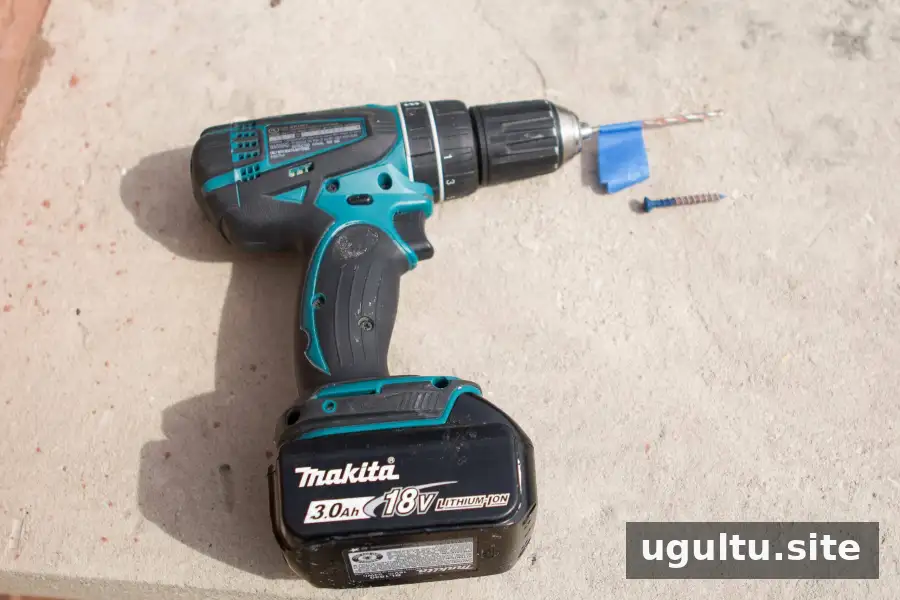
- Drill: A versatile choice for common tasks, such as drilling holes and driving screws into wood or plastic. Use an appropriate bit and keep the tool steady.
- Impact driver: Designed to drive screws and bolts, including longer fasteners and tasks involving harder materials. It delivers rotational impacts, so use the correct bit and avoid overtightening fasteners.
- Hammer drill: Adds a hammering action as it rotates, making it useful for drilling into masonry such as brick or concrete. Use a masonry bit and check that the drill and bit are rated for the material.
For many household tasks, a standard drill is sufficient. Choose an impact driver or hammer drill when the project calls for that tool’s specific function.
What Projects Can You Use a Power Drill For?
A drill can help assemble furniture, install cabinet hardware, hang window treatments and prepare holes for screws or wall anchors. It can also speed up larger DIY projects that involve many fasteners.
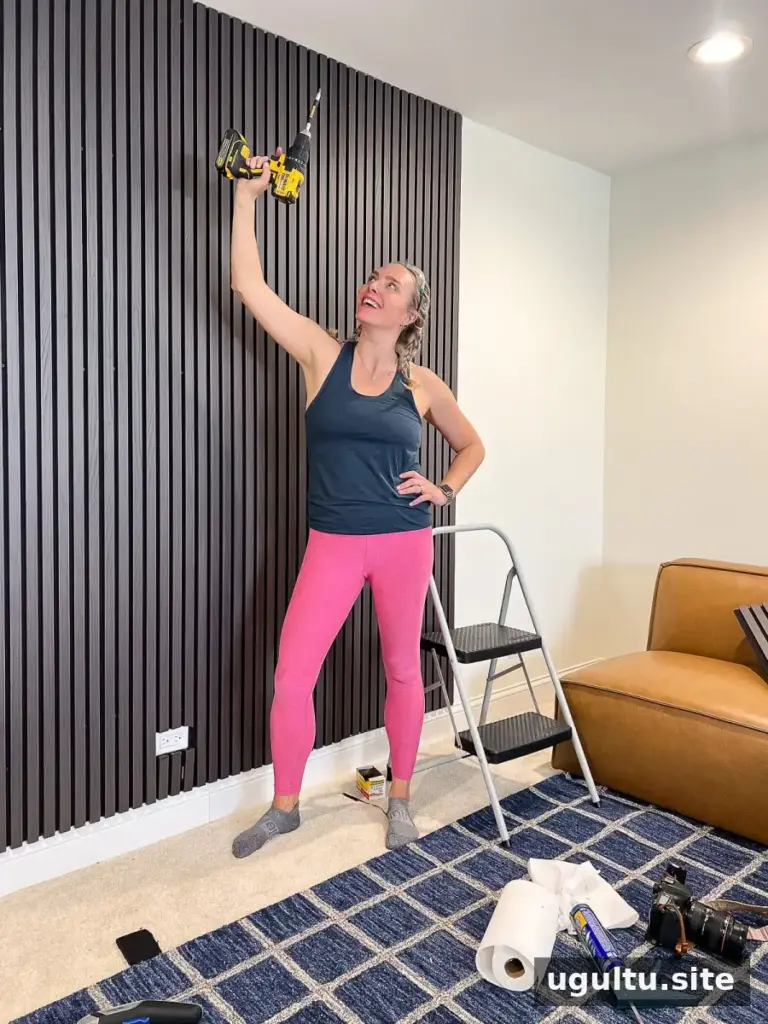
Before drilling into a wall, check for hidden pipes and electrical wires, and use anchors suitable for the wall material and the weight being supported. If you are unsure what is behind the surface, investigate before making a hole.
How Much Does a Power Drill Cost?
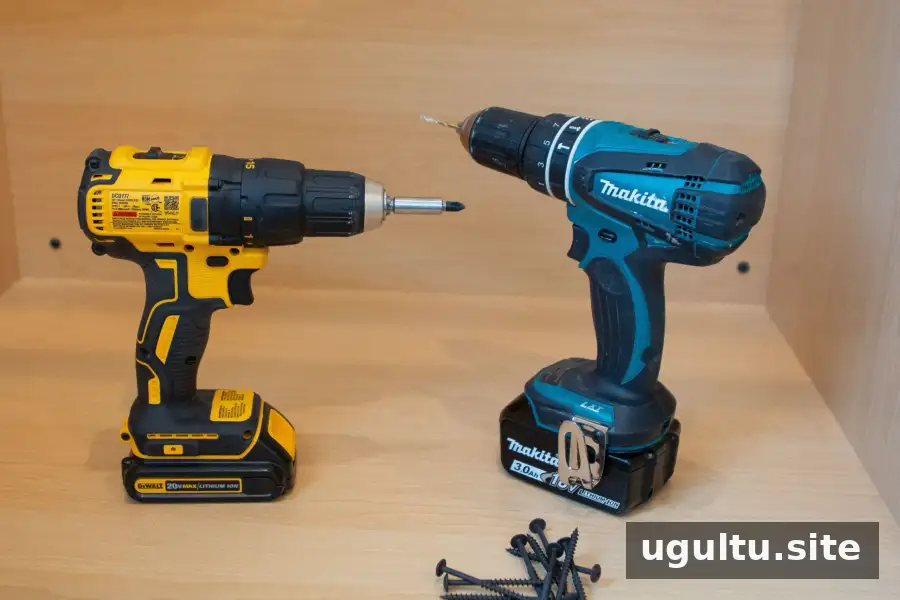
Prices vary by model, power and included accessories. The examples in this guide range from about $70 to $99 for a drill kit, while kits with bits, accessories and an extra battery pack may cost between $150 and $200. Prices can change, so compare what each kit includes rather than looking at the drill alone.
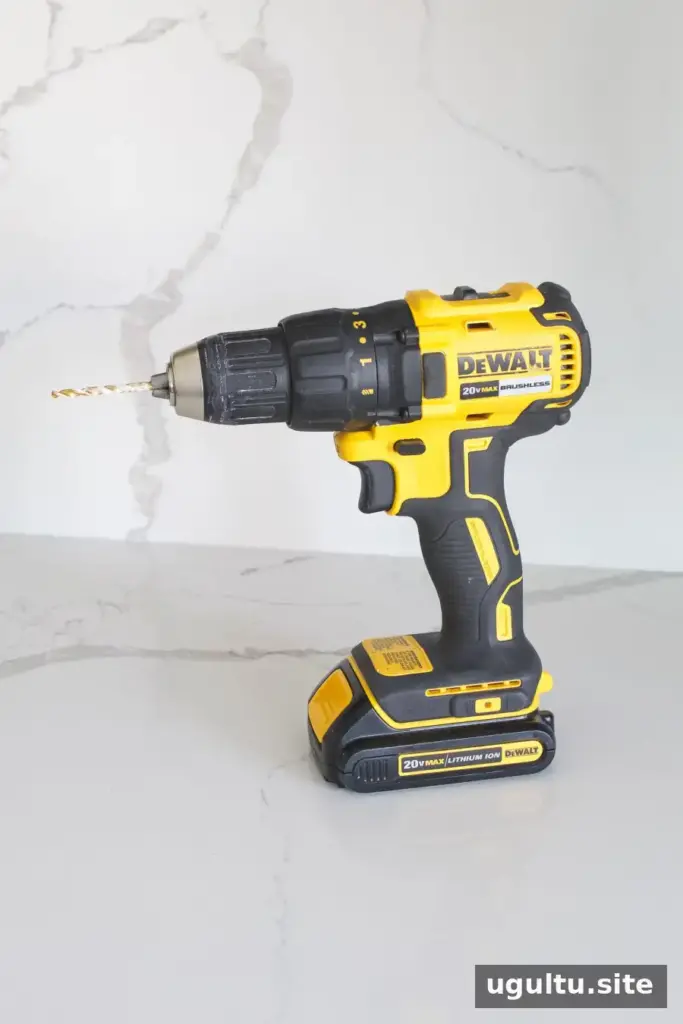
An 18–20-volt model, including a 20-volt drill, can suit a wide range of projects. A 12-volt model may be enough for many lighter household tasks. Consider the jobs you expect to do and whether the kit includes a battery, charger and storage case.
How Should You Store a Power Drill?
Store the drill, charger, battery and bits together in a case or bag to keep the accessories organized and easy to find. Keep the kit in a dry place, and follow the manufacturer’s instructions for battery storage.
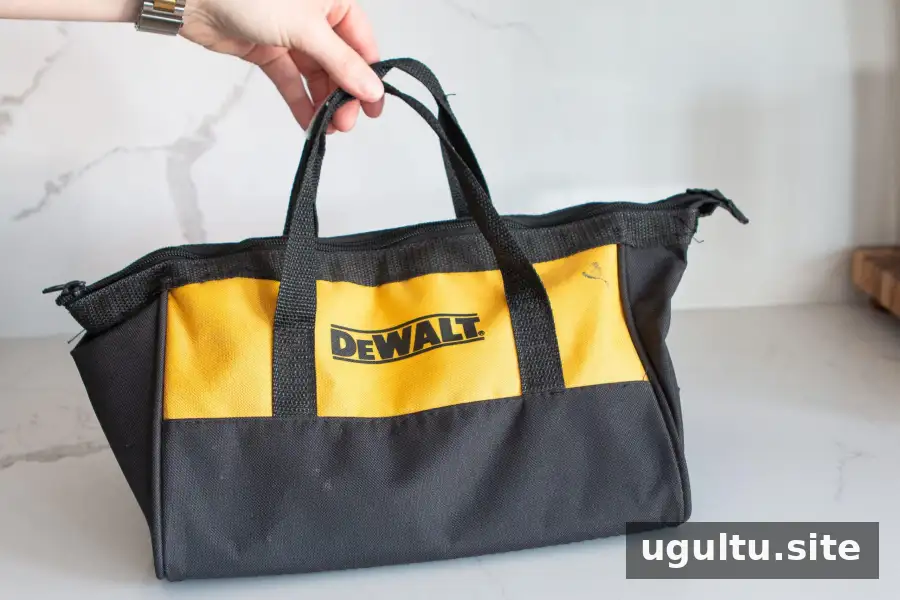
After use, remove the bit if appropriate and check that the tool is switched off before putting it away. Keeping bits sorted by type and size also makes it easier to choose the right one next time.
How Often Does a Drill Battery Need Charging?
Battery life depends on the task, material, drill and battery condition. Light household jobs may use only part of a charge, while extended drilling or driving can use more power. Recharge the battery when needed, following the instructions supplied with the tool.
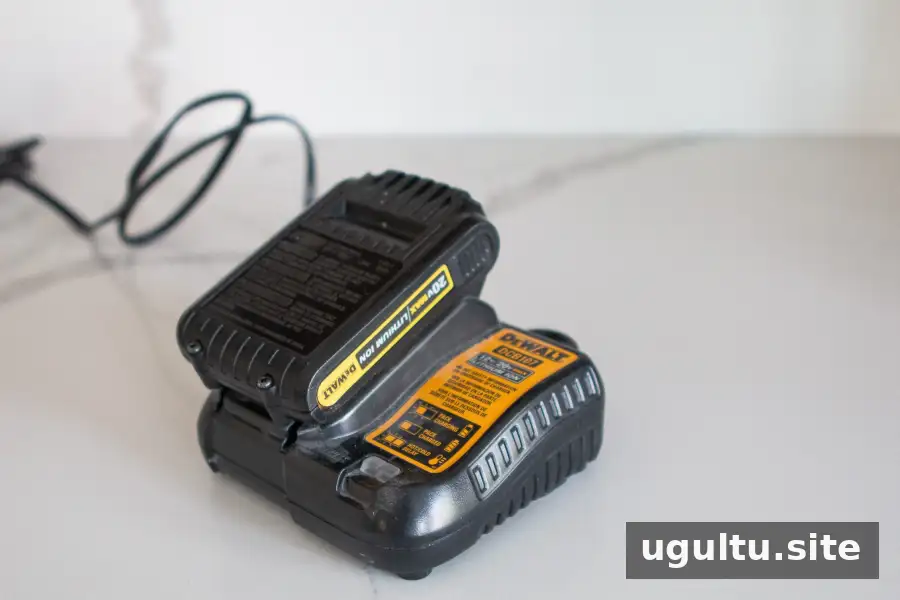
If you own several cordless tools, using models from the same battery platform may let you share compatible batteries. Check compatibility carefully: batteries are not necessarily interchangeable across every model, even within a brand.
Power Drill Bits: Which Type Should You Use?
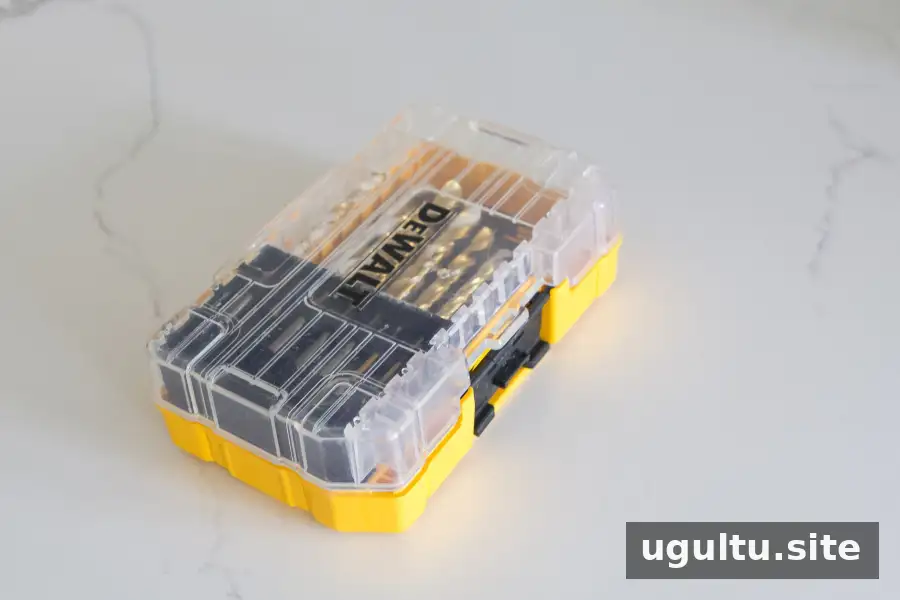
Different tasks call for different bits. Screwdriver bits drive fasteners, while drill bits make holes. Always match the bit to the material and fastener, and replace bits that are worn or damaged.
Screwdriver Bits
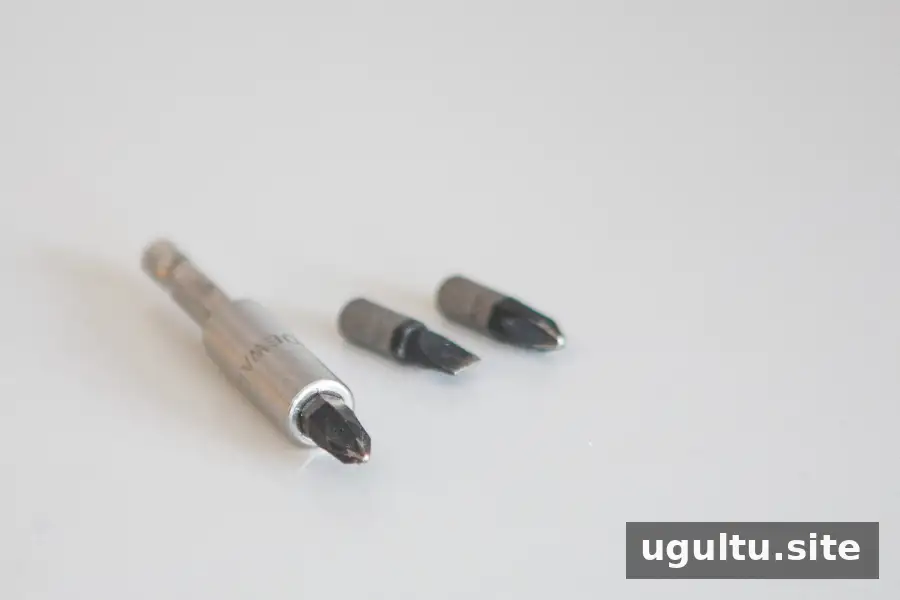
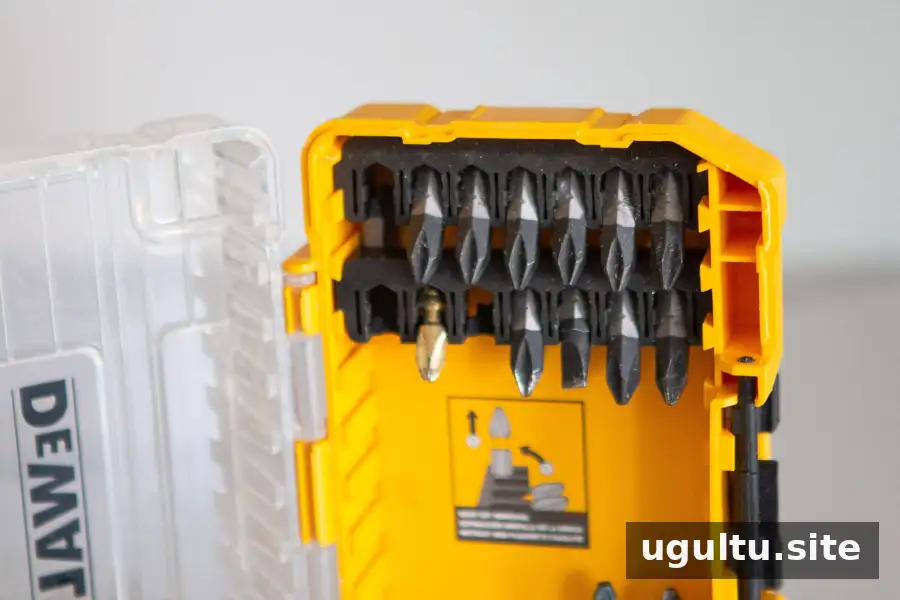
Screwdriver bits come in types such as flathead and Phillips, as well as different sizes. Use a bit that fits the screw head snugly to reduce slipping and damage. Some bits fit directly into the chuck; others are held by a bit holder, often with a magnetic end.
Twist and Pilot Bits
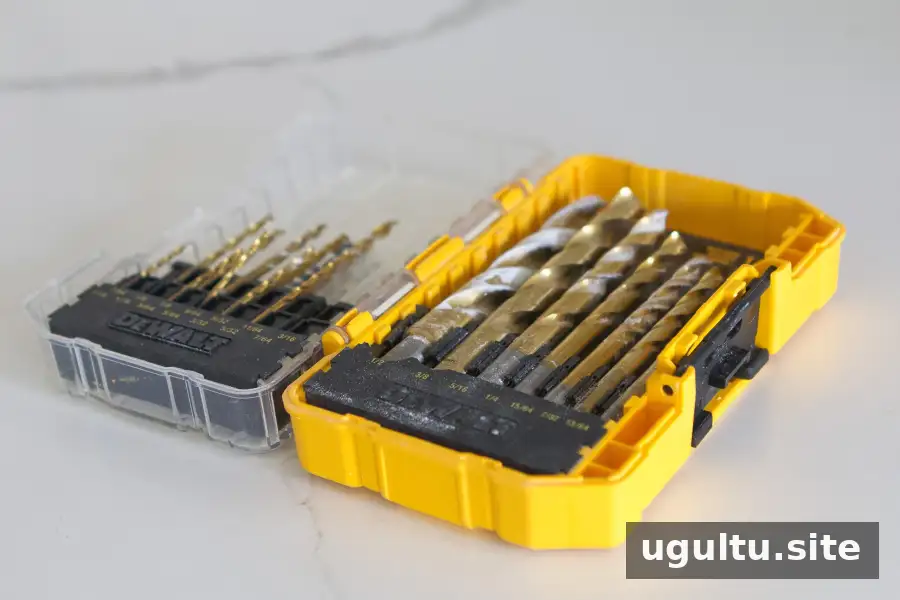
A twist drill bit makes holes in suitable materials. A pilot hole is a smaller guide hole drilled before inserting a screw; it can help guide the fastener and reduce splitting in some materials. For wall anchors, select a bit of the size recommended for the anchor and wall type.
Countersink Bits
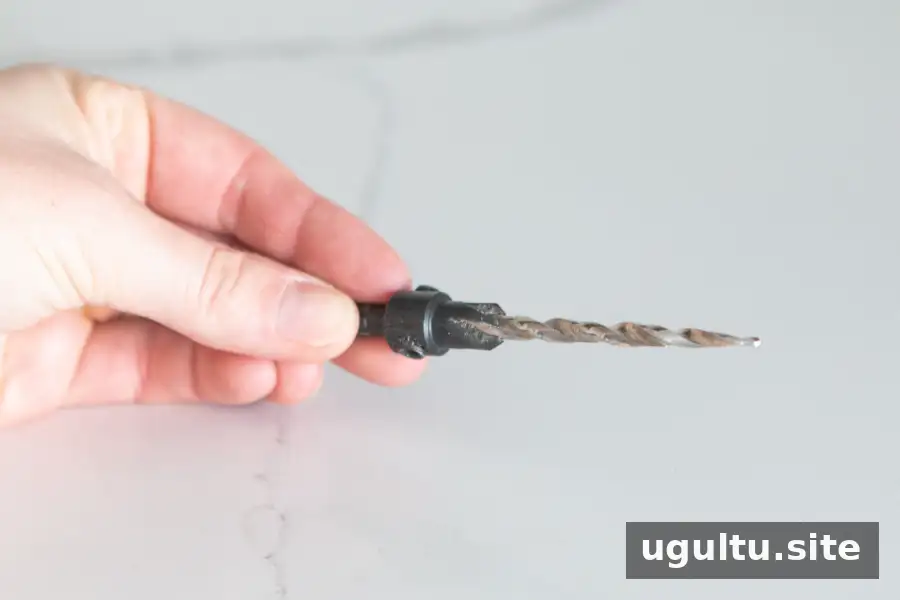
A countersink bit creates a wider, tapered opening so a compatible screw head can sit flush with or below the surface. This is useful when a protruding screw head would get in the way. Test the depth on scrap material first to avoid removing too much material.
Paddle Bits
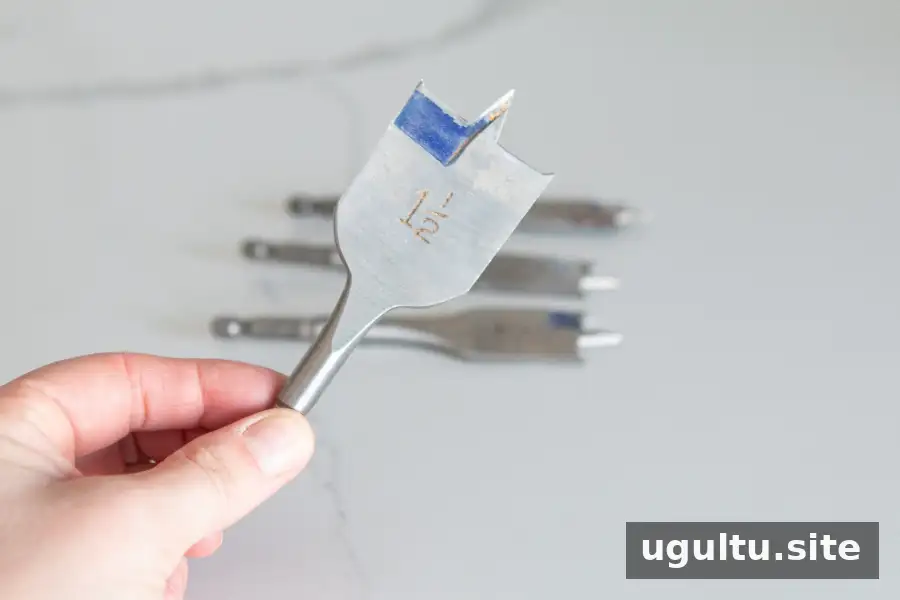
A paddle bit, also called a spade bit, is designed to make relatively large holes in suitable materials such as wood. The bit’s size determines the hole diameter. Mark the centre point and support the workpiece securely; large bits can catch, so use controlled pressure and a steady grip.
How to Change a Drill Bit
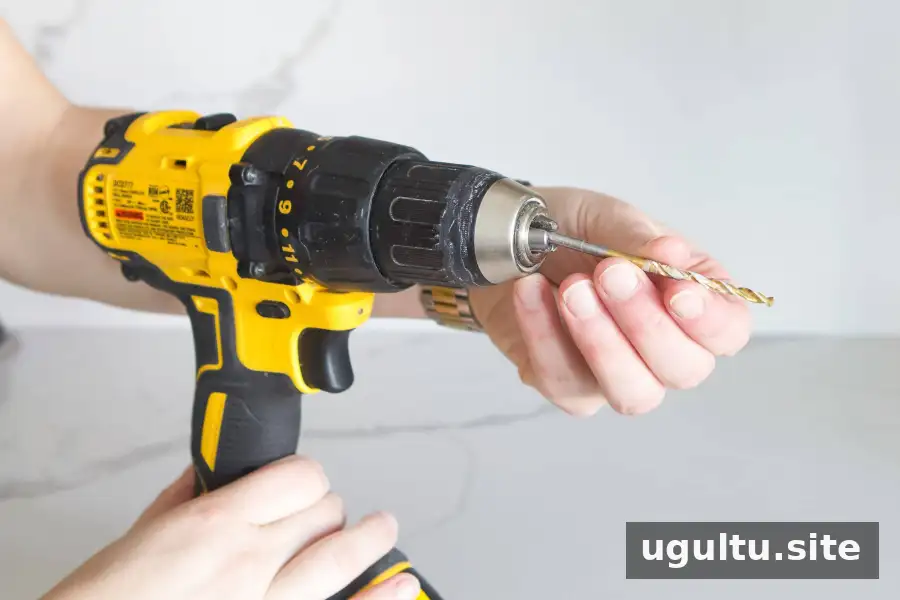
Switch off the drill before changing a bit. On a keyless chuck, hold the chuck and turn it to loosen the jaws, insert the bit straight, then tighten the chuck until the bit is held firmly. Check that it is secure before starting. Follow the tool’s instructions if your chuck works differently.
How to Use a Power Drill Safely
Wear protective eyewear, secure the workpiece and keep hands, loose clothing and hair away from the rotating bit. Check the work area for hidden wiring or plumbing before drilling into walls. Use a bit designed for the material, and do not force the drill if it binds or stalls.
The trigger on the handle controls rotation. Press it gently to start at a low speed, then increase pressure as needed. A light touch gives you more control, especially when beginning a hole or driving a screw.
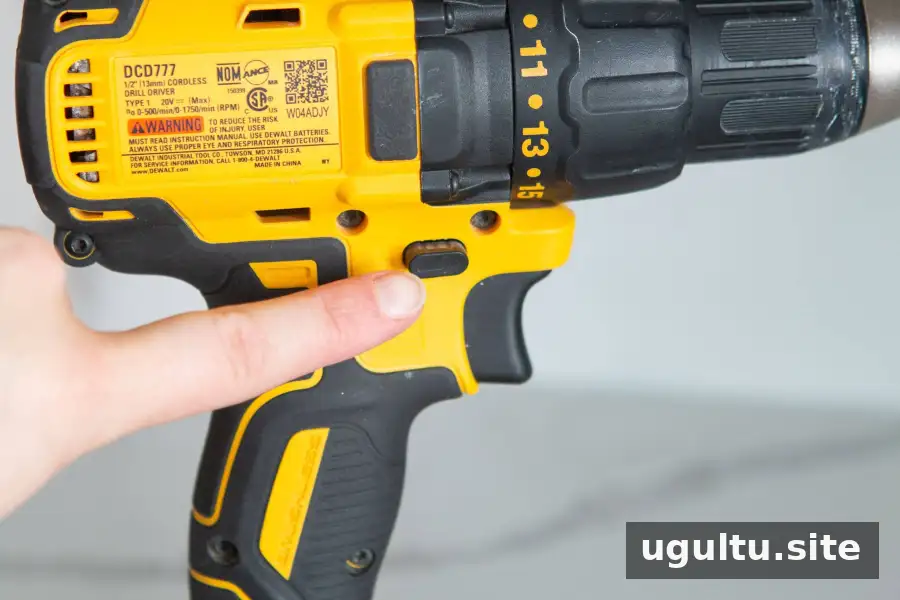
The forward/reverse switch changes the direction of rotation. Use forward for drilling and driving screws; use reverse to back out a screw. Stop the drill before switching directions.
How Do You Change the Speed?
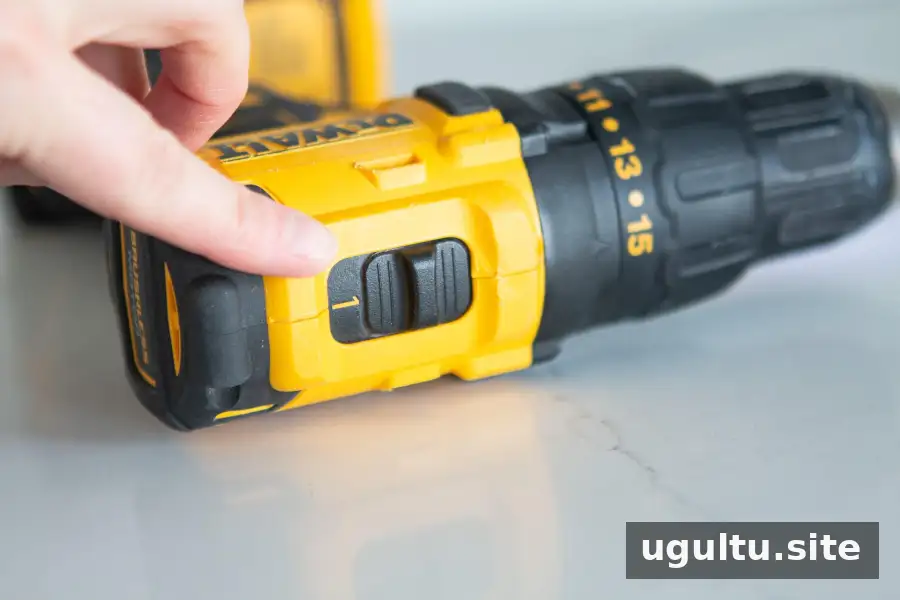
Many drills have a gear selector marked “1” and “2.” The lower-speed setting (1) is generally useful for driving screws with greater control, while the higher-speed setting (2) is generally used for drilling holes. Check your drill’s manual, since controls can vary by model.
What Do the Numbers on the Clutch Collar Mean?
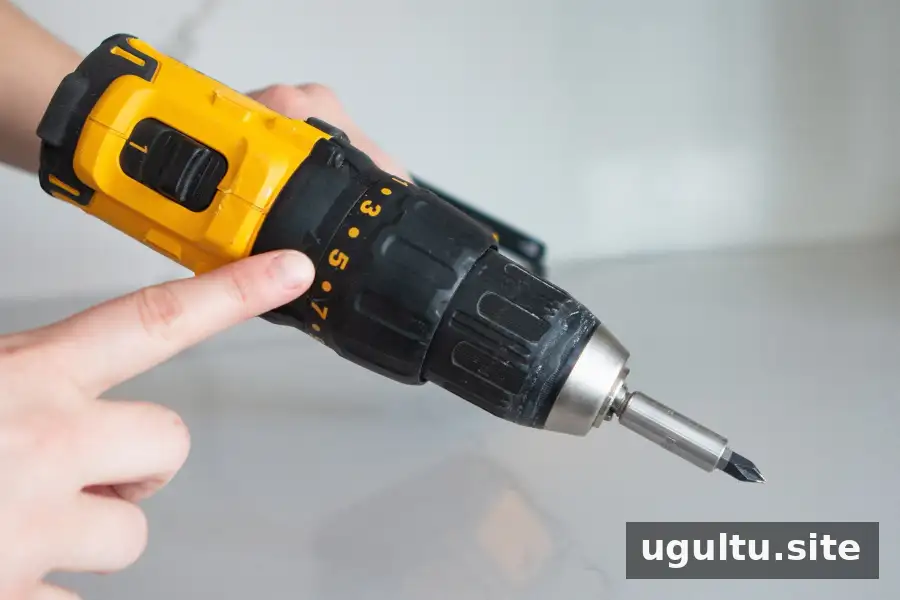
The collar numbers set the clutch’s torque limit, which controls how much turning force is applied before the clutch slips. They do not indicate rotational speed. Start with a low setting when driving screws and increase it gradually if the screw stops before it is seated. This helps reduce the risk of stripping the screw or damaging the material.
Choosing a Drill for Household Projects
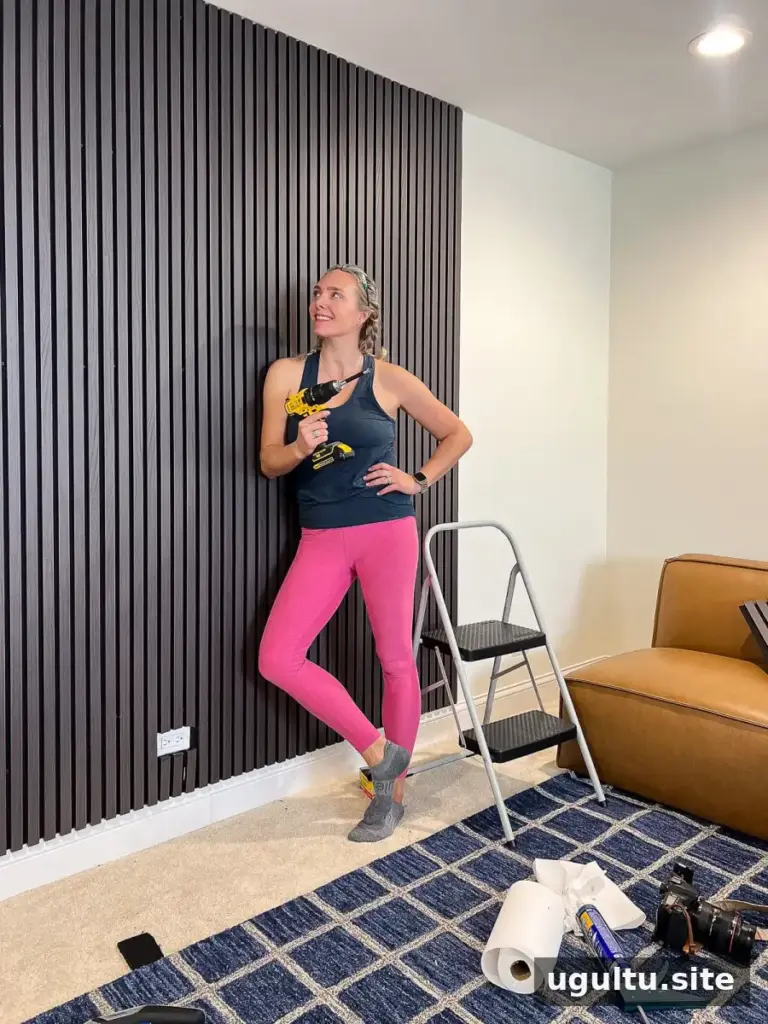
For basic home projects, compare cordless drills by voltage, weight, battery availability and included accessories. A kit with a battery and charger is ready to use, but you may need to purchase bit sets separately. Choose bits based on the materials and fasteners your projects require.
Conclusion: How to Use a Power Drill with Confidence
Learning how to use a power drill starts with choosing the right bit, securing your work and making small, controlled adjustments to speed and torque. Practise on scrap material, wear protective eyewear and pause if the tool or bit behaves unexpectedly. With those habits, a drill can make many routine home tasks more manageable.
Casey