
 admin
admin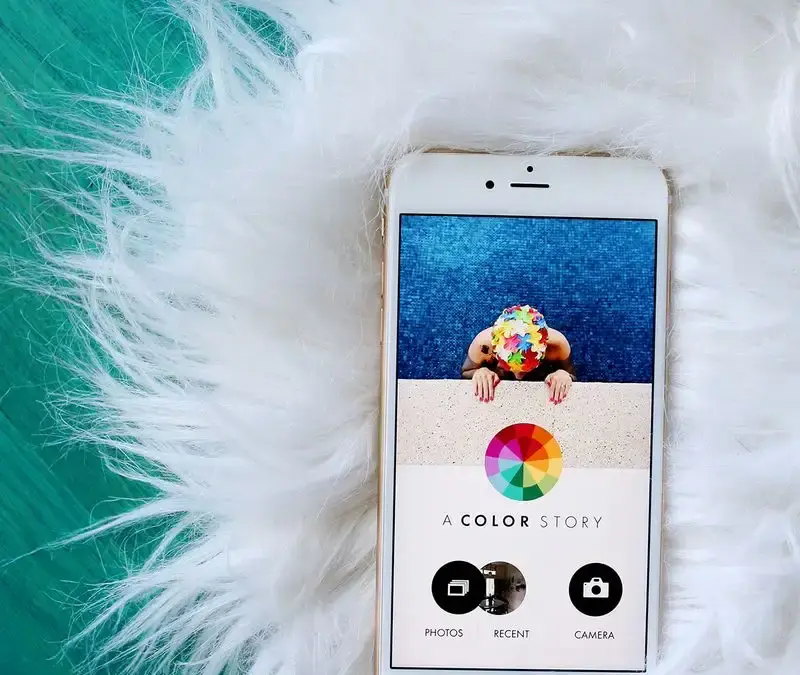
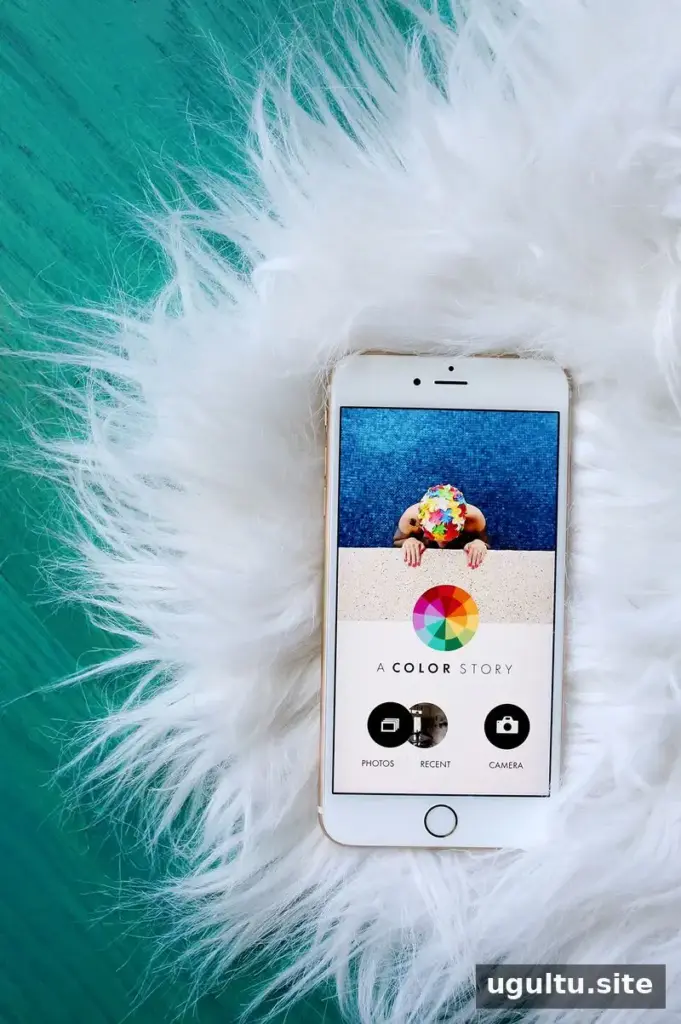
The A Color Story app launched on the iOS App Store as a free photo-editing app. It combines colorful filters with hands-on adjustment tools and effects that can be repositioned, giving users several ways to shape an image without switching between multiple editing apps.
Its main features include more than 100 filters, over 20 editing tools, more than 40 movable effects, and options for saving custom filter settings. The examples below were edited using the app alone. For a consistent look, try applying a filter first, then make smaller adjustments to brightness, contrast, or color.
A Color Story app filters
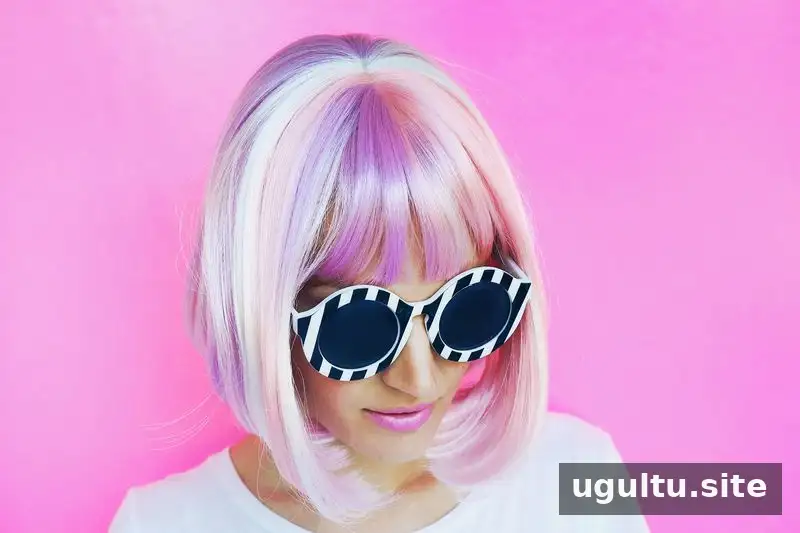
Over 100 colorful filters
The app includes more than 100 filters designed to adjust and enhance photo colors. The filters were created to reproduce color-balancing techniques and offer one-tap starting points for editing. Different options within the packs can produce noticeably different results, so preview a few before settling on a look.
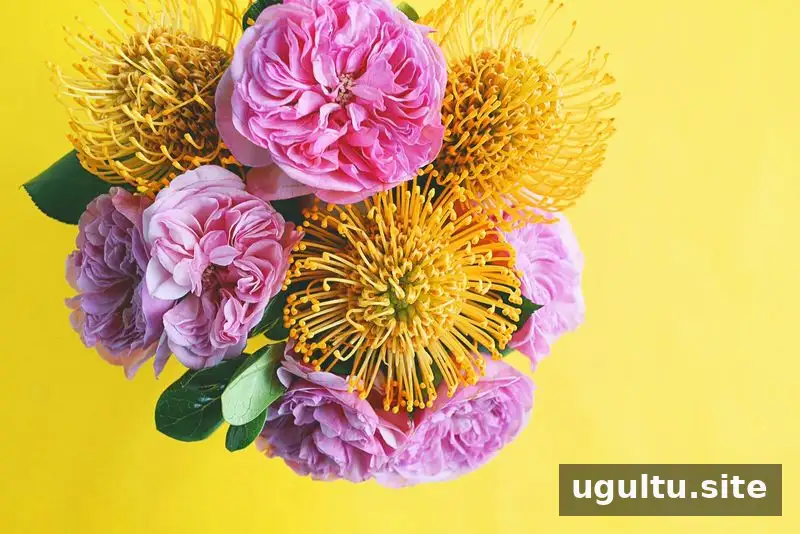
Image by @elsielarson, edited with Joy Ride from the Chroma pack.
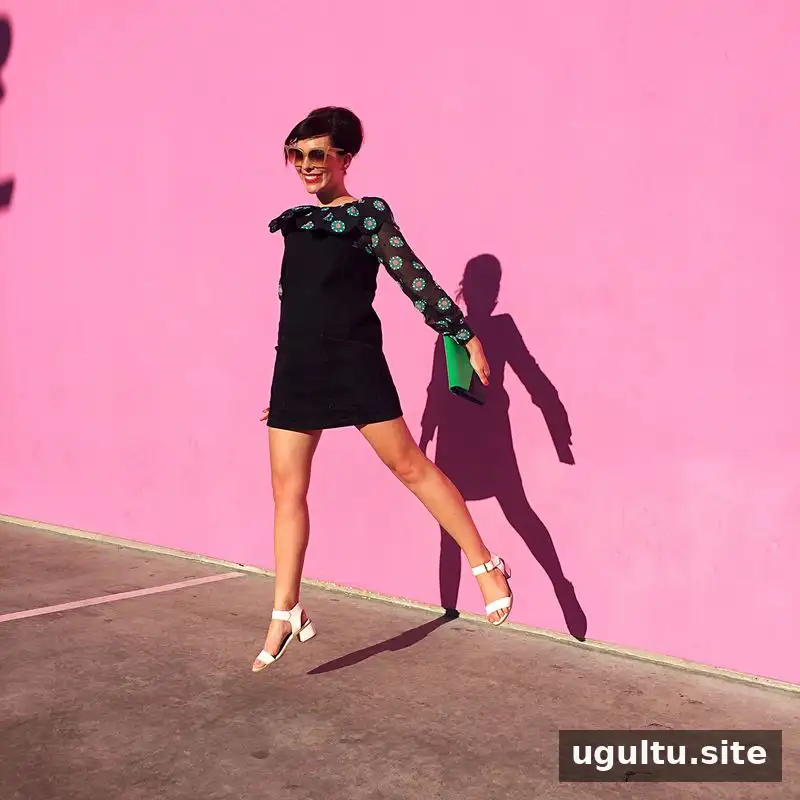
Image by @KeikoLynn, edited with Breezy from the Blush pack.
The filter approach emphasizes bringing out existing colors rather than simply tinting or dulling them. That can be useful when an image needs more vivid color, but a lighter filter strength or a different preset may work better when the original colors are already strong.
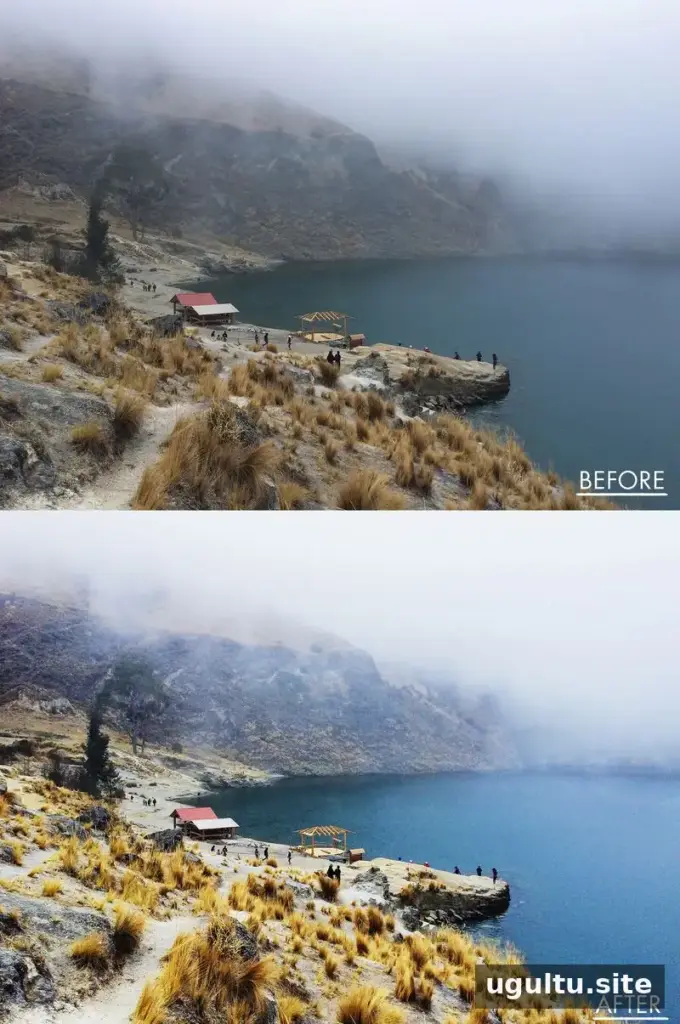
Image by @Laura_Elizabeth, edited with Summer from the Chroma pack.
Editing tools, including curves
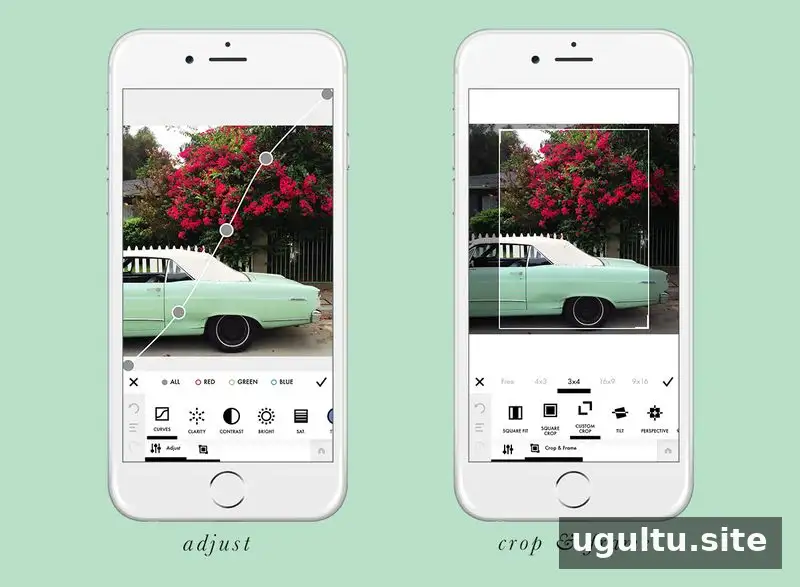
More than 20 free tools, including curves
For more precise adjustments, the app offers over 20 tools, including curves with RGB targeting. These controls provide more flexibility than a preset alone. A practical workflow is to use a filter as a base, then adjust brightness and contrast carefully so that highlights and shadows retain detail.
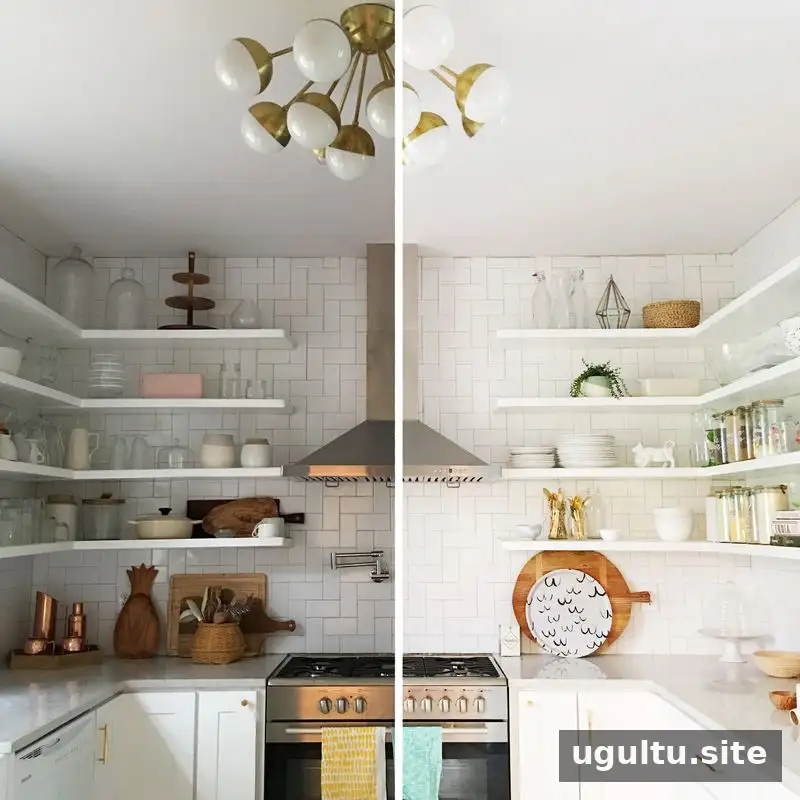
Image by @elsielarson, edited with Bright + Contrast from Tools and Ice Ice from the Essentials pack.
Phone photos can have uneven or limited lighting. Brightness adjustments and filters that lighten an image can help, but increasing brightness too much may wash out pale areas. Check the photo after each change and make small adjustments when possible.
Movable photo effects
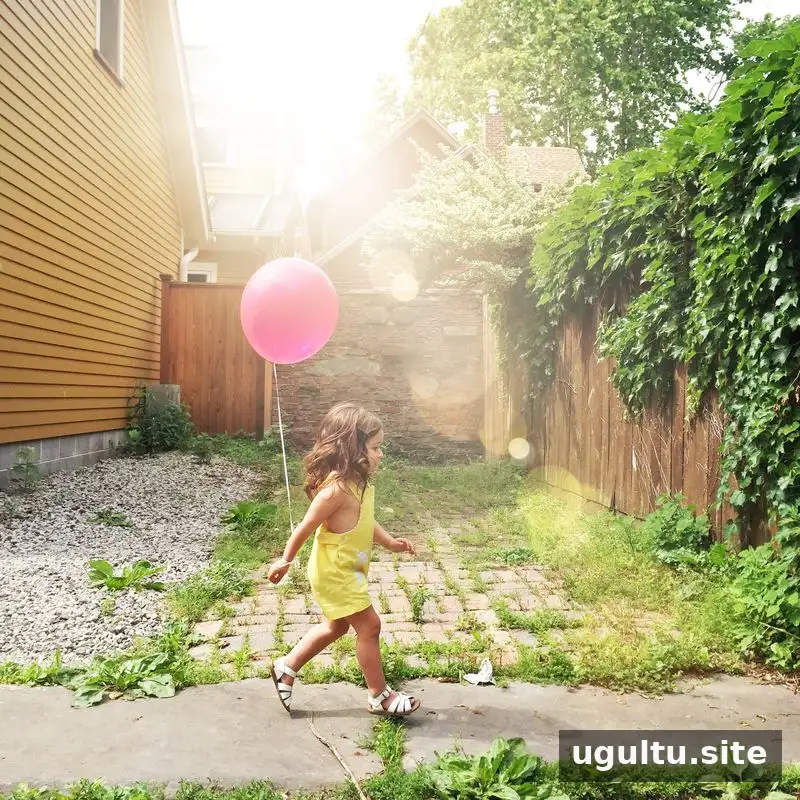
Image by @mandimakes, edited with Flare 7 from the Flare & Bokeh effects pack.
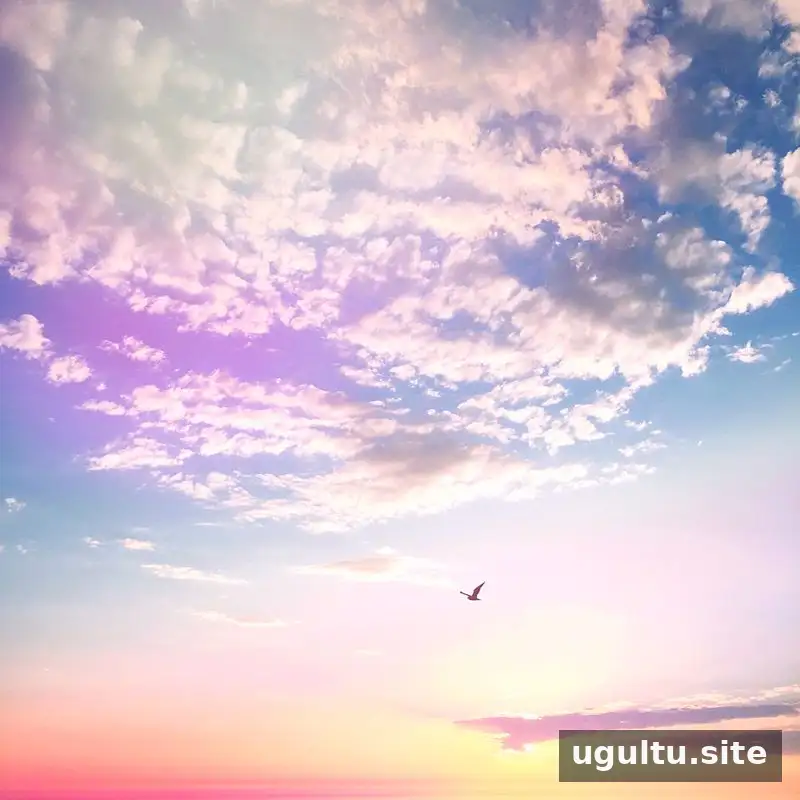
Image by @ArielleVey, edited with Light Leak 9 from the Light Leaks effect pack.
More than 40 movable effects
The effects are organized into three packs: Flare & Bokeh, Light Leaks, and Color Fog. Each effect is made from layered shapes and color blending. Users can move and rotate effects with their fingers, which helps position them where they fit the composition. For a natural-looking result, place the effect with the direction of the scene’s light in mind and avoid covering the main subject.
Save custom filters and repeat edits
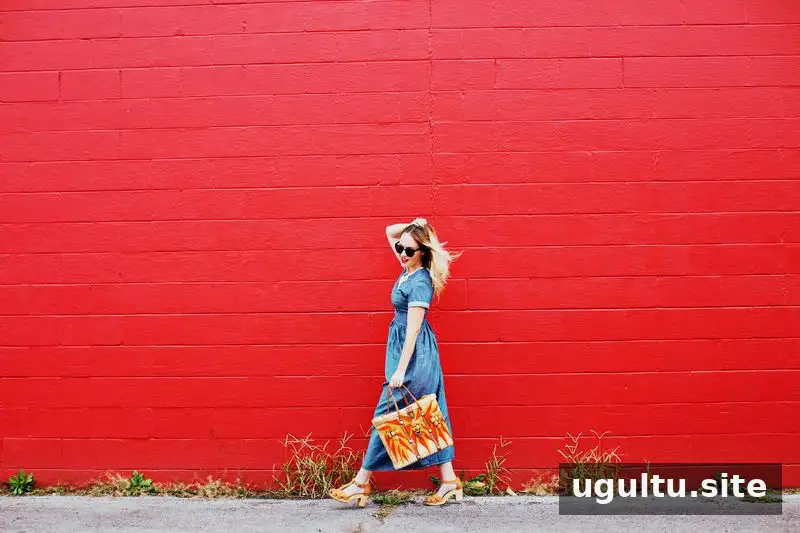
An edit can be saved as a custom filter for future photos. The history menu, located at the bottom left, helps track changes made during an editing session. The Saved feature can also apply a stored sequence of steps to another image with one tap, which is useful for maintaining a consistent style across a set of photos.
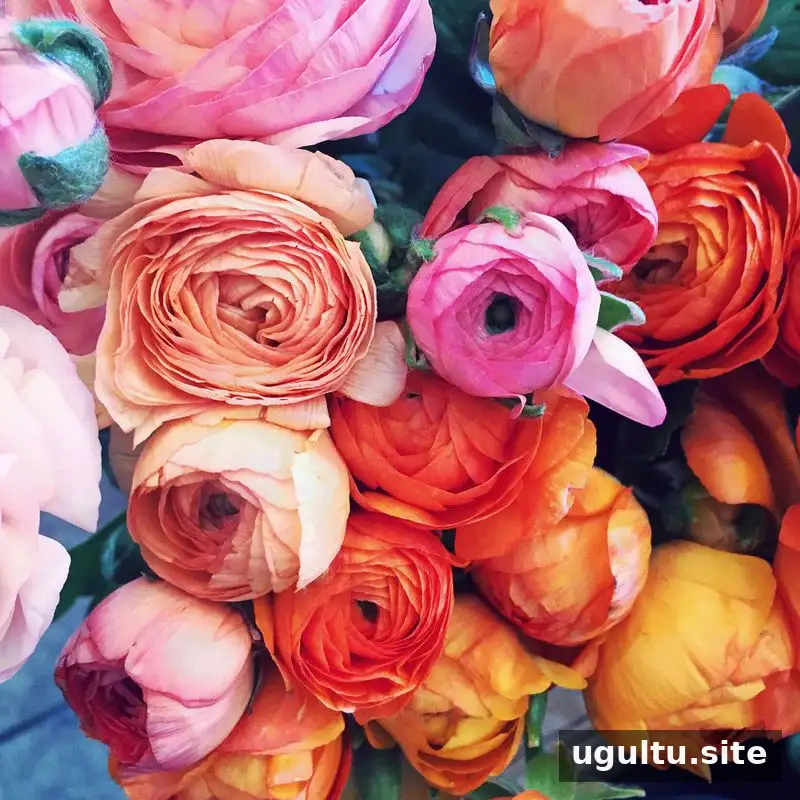
Image by @ArielleVey, edited with Soft & Bright from the Organic Pack.
Availability and troubleshooting
At the time of the app’s launch, A Color Story was offered for iOS through the App Store, and an Android version was described as being in final testing. Availability and device compatibility can change, so check the relevant app store for current information before installing.
If camera access does not work, the original launch guidance recommended updating iOS. For ongoing camera or other technical issues, support was listed at hello@acolorstory.com.
Conclusion
The A Color Story app brings together colorful filters, detailed editing tools, movable effects, and reusable custom edits. To get a balanced result, begin with a filter, refine the image with small tool adjustments, and position effects carefully before saving a look for later photos.