 admin
admin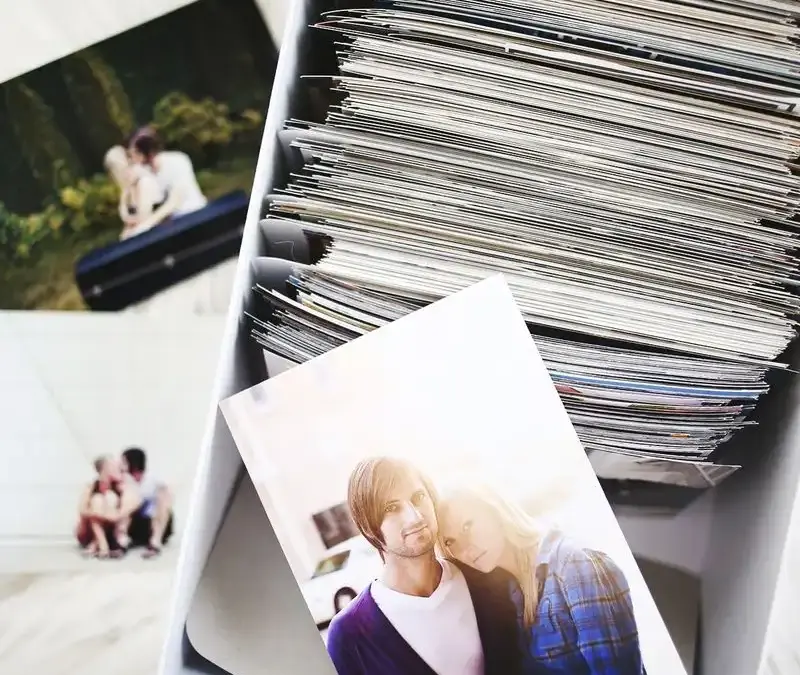
Knowing how to organize and store photos makes it easier to find favorite memories, protect them from loss, and choose which ones to print. A straightforward system does not need to be complicated: sort digital images into clearly named folders, keep more than one backup, and store prints where they are easy to browse. The following practical methods are shared by Laura Gummerman.
How to Organize and Store Photos Digitally
Choose one main photo library on your computer and use it consistently when importing pictures from a camera or phone. Before filing each batch, review it and remove accidental duplicates, blurry shots, and images captured with someone mid-blink. Keeping the strongest pictures from the start can reduce the amount of sorting you need to do later.
Create a folder for each year, then add subfolders for important occasions such as a wedding, holiday, or family gathering. Use names that describe the event and date so you can search and browse without relying on memory. A consistent format—such as year, month, and event—can make folders easier to scan.
Keep a separate copy of your photos on an external drive. A drive with at least twice the storage capacity of your computer’s hard drive can leave room for a full computer backup as well as future files. You can back up only your photo library or copy the entire computer, depending on your needs. Set a weekly or biweekly reminder to update the backup; an old copy may not include recent pictures.

Use Online Storage as Another Backup
Cloud storage can provide another copy of your library and make images accessible from different devices when an internet connection is available. Some services preserve your existing folder structure, while others organize images within a photo library. Compare storage limits, costs, privacy settings, and options for downloading your files before choosing a service.
Online storage works best as part of a backup plan rather than the only place your photos exist. Keep another copy on an external drive, and periodically check that files have uploaded correctly and can be opened.
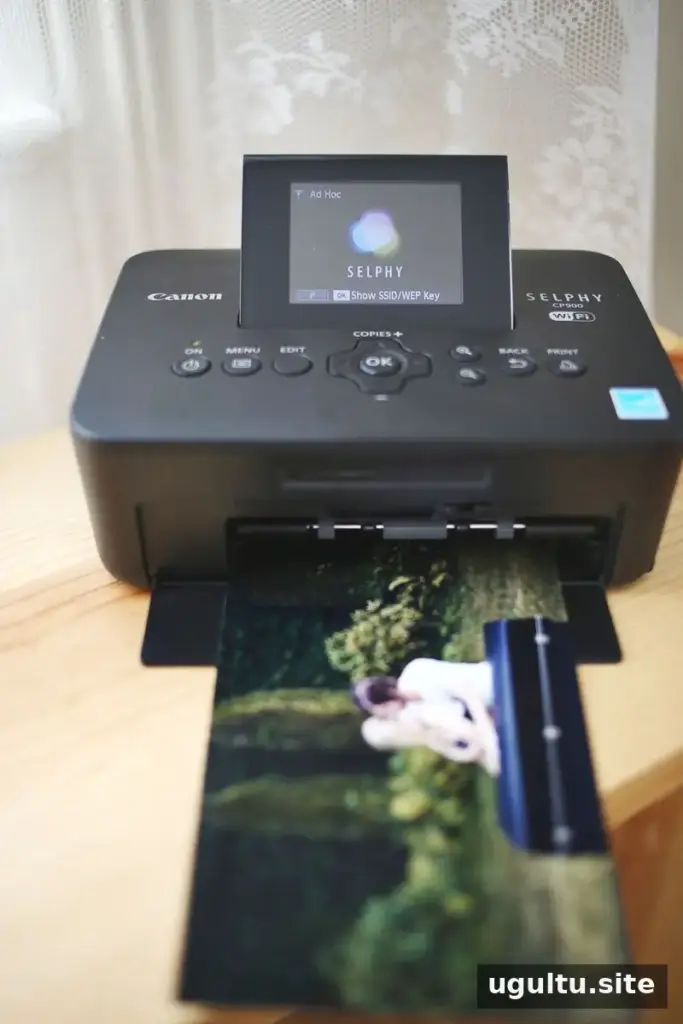
Sort Printed Photos in Photo Boxes
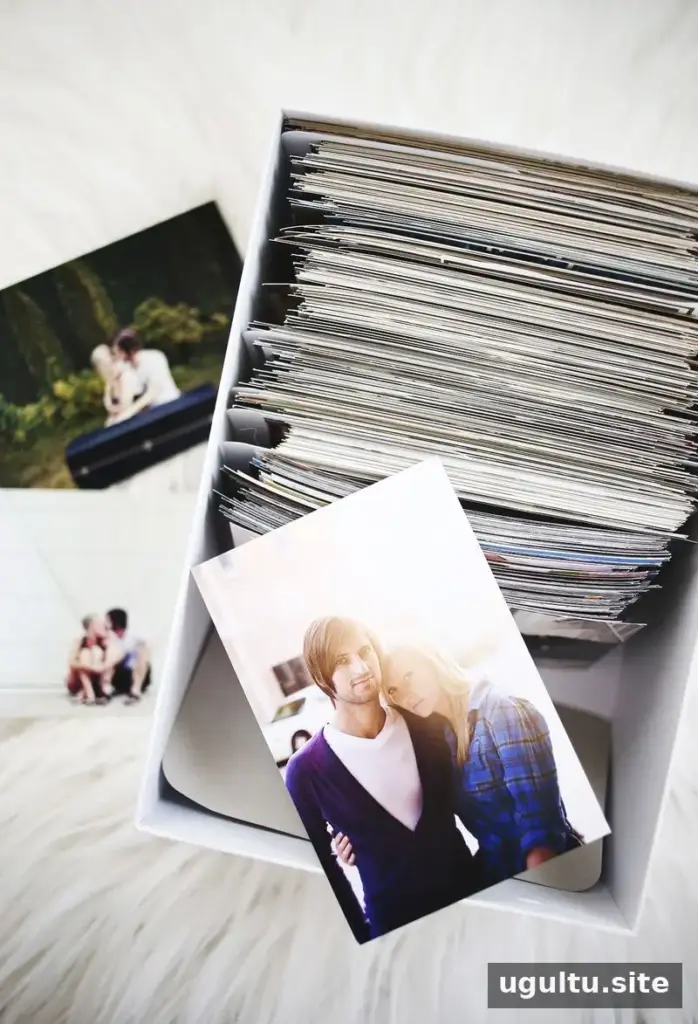
Photo boxes are useful for holding prints between printing them and placing them in an album or scrapbook. Use dividers to separate photos by year or event, and label the sections so you can return prints to the right place after browsing. This method is also practical for older photographs that were taken before digital cameras became common.
For 4×6-inch prints, choose a box designed to fit that size without bending the pictures. Store boxes in a dry, cool place away from direct sunlight, and avoid packing prints so tightly that removing them could damage their edges.

Make Photos Easy to Enjoy in an Album
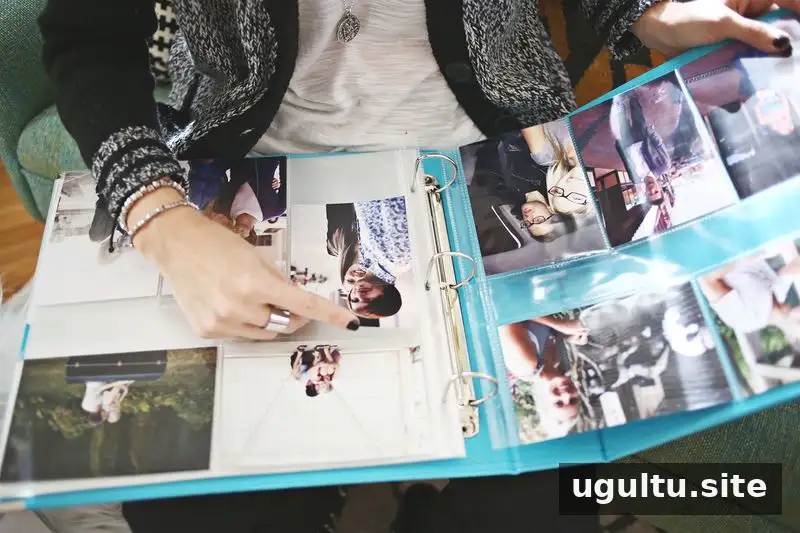
A traditional photo album is a quick way to make printed memories accessible without planning a scrapbook layout. Slip pictures into the album’s designated pockets and decide on an order, such as chronological or by event. Once prints are ready, several albums can often be assembled in one or two evenings, depending on how many photos you have.
Choose an album size that suits the number of prints you want to include, and check that its pages and pockets are suitable for photographs. Adding simple labels or dates can help identify the people and occasions in each section later.
A Simple Routine for Keeping Photos Organized
Start with one year or one event rather than trying to sort your entire collection at once. After that, make photo organization part of your regular routine: review new images, file the keepers, and update both backup copies. With a clear system for digital files and prints, how to organize and store photos becomes a manageable habit—and your favorite memories are easier to find, protect, and enjoy.