 admin
admin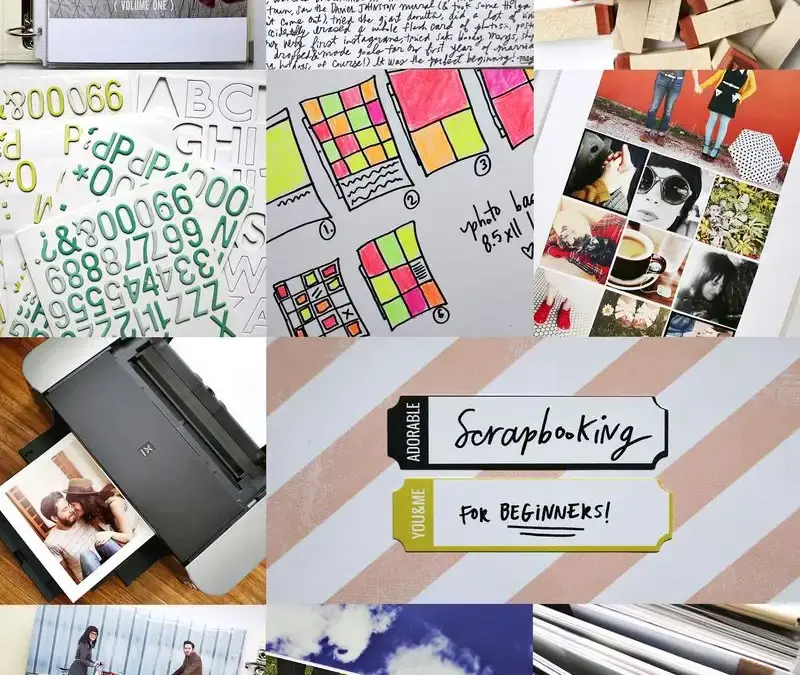
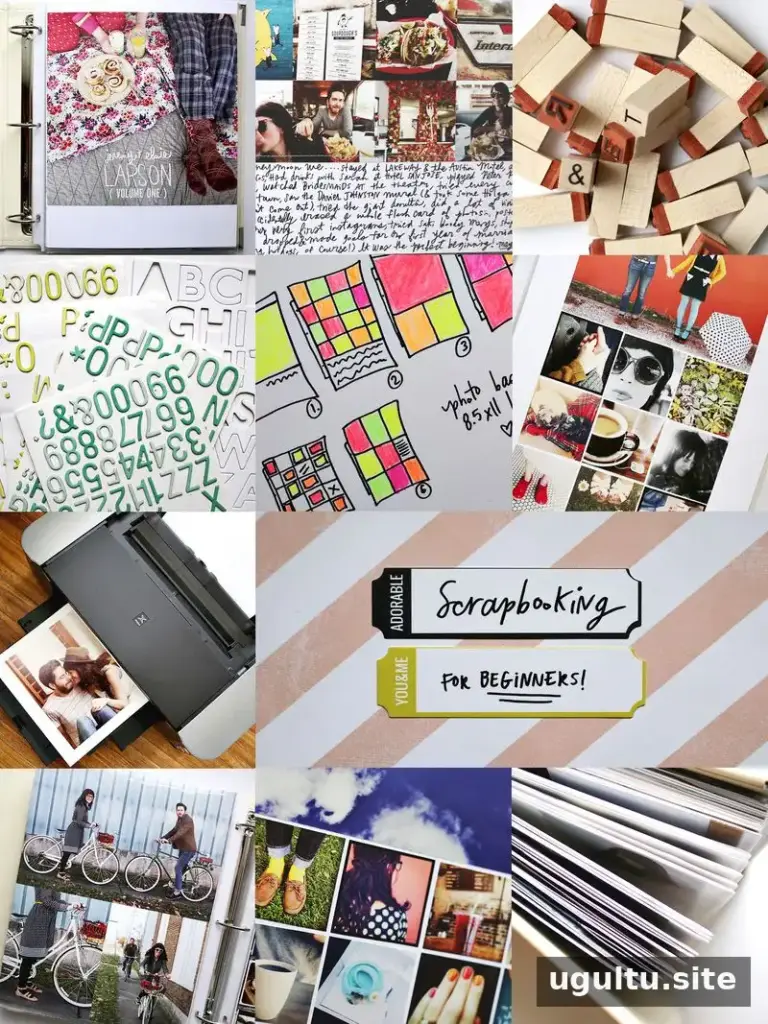
Scrapbooking for beginners can feel like a big project, especially when years of photos are stored on phones or computers. A simple plan makes it easier to turn those memories into a finished album without trying to document every moment. The steps below cover choosing a purpose and format, planning pages, printing pictures and putting the book together.
Scrapbooking for beginners: set a goal
Before buying supplies, decide what you want your scrapbook to do. You might make one album for a particular year, a trip or a family milestone. Choosing a clear theme helps you select photos and gives the project a natural beginning and end.
Think about the process you will enjoy, too. Some people like decorating pages with paper and stickers; others prefer photo-led layouts with only a little writing. There is no requirement to include every photo. Select images that represent important occasions, everyday details and memories you want to revisit.
Practical tip: Write down the album’s subject and a rough photo target before you start. This can help keep the project manageable and make it easier to decide what belongs in the book.
Choose an album size
Album size affects the look of your pages, the prints you can use and the supplies available. Common options include 12×12, 8.5×11, 8×8 and mini albums.
- 12×12: A standard size with a broad selection of supplies.
- 8.5×11: A vertical format that can suit portrait photos and full-page prints with less cropping.
- 8×8: A compact choice that can be quicker to fill and works well for full-page photos without a wide-format printer.
- Mini albums: Smaller books that work well for individual occasions or short themes.
Consider where you will store the finished album as well as what page style you like. Measuring a bookshelf or storage space first can help you avoid choosing a book that does not fit.
Plan simple page layouts
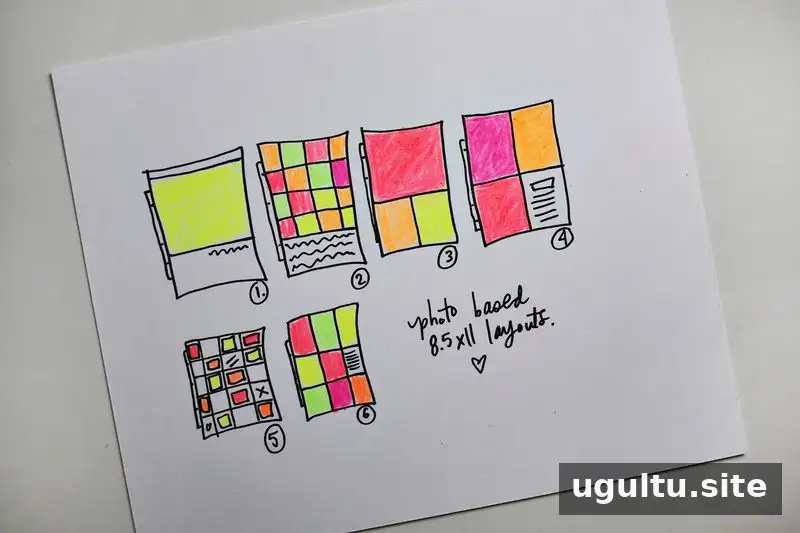
Once you have chosen the album size and subject, sketch a few layouts. Reusing a small set of designs can save time and help the finished album feel consistent. For a photo-focused book, try placing one large picture on a page, combining several images into a collage or leaving a small space for a caption.
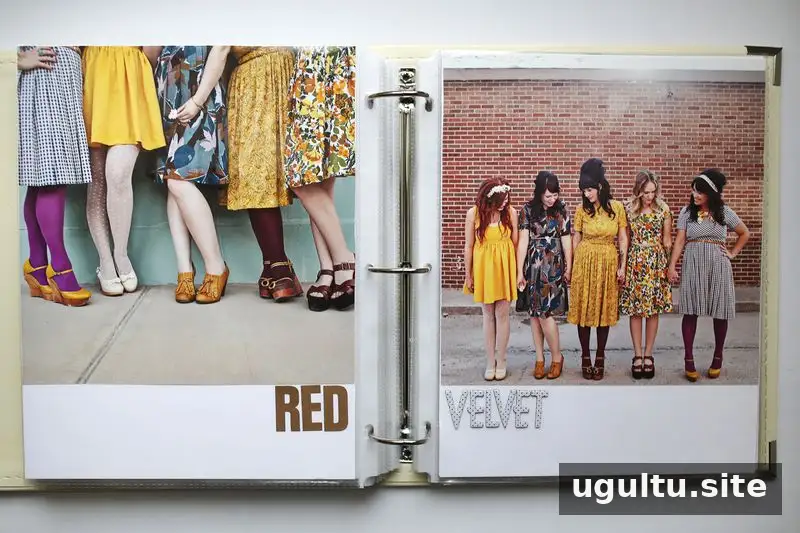
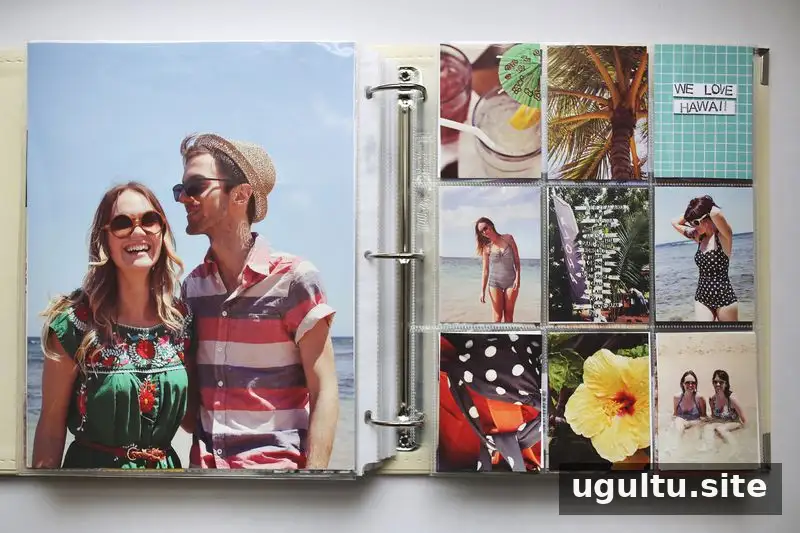
One approach is to print photos and collages to the size of the page, trim them if needed, and attach them to white cardstock. A few stickers or a handwritten note can add detail without making each spread complicated. Pocket pages can also hold smaller photos, paper pieces and memorabilia.
In one year-long album, six basic layouts were repeated throughout the book. Some pages used single photos or collages, while others used small pockets and page protectors. Sketching a few options in advance can show how many photos each layout holds and how much room remains for journaling.
Practical tip: Make a sample page before preparing the whole album. It lets you check spacing, photo sizes and the amount of writing you want to include.
Prepare and print your photos
Gather photos from the devices and folders where they are stored, then choose the images that fit your theme. Digital collages can combine several pictures into one print, which is useful when you want to include more memories without adding a separate page for each one.
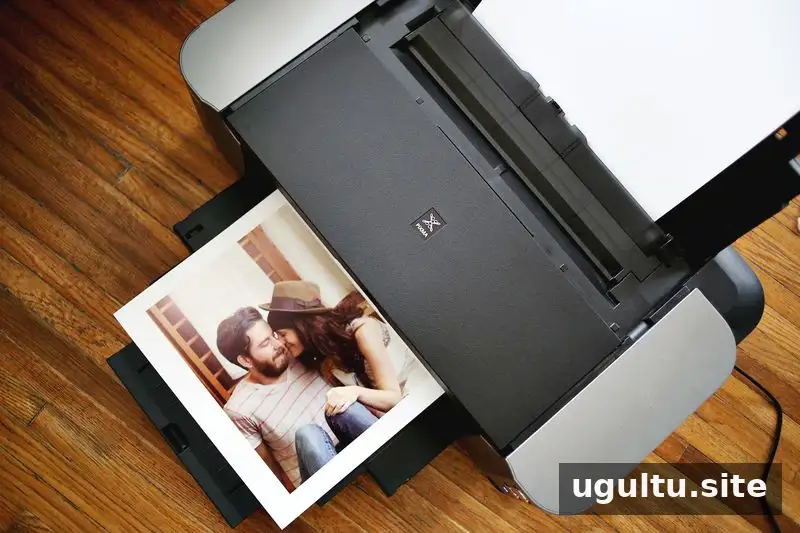
For a large album project, resizing and arranging photos can take time. One example involved about 24 hours of photo preparation and prints on 13×19-inch photo paper. A printer that supports the required paper size can make larger prints possible, but check its specifications and the album dimensions before printing.
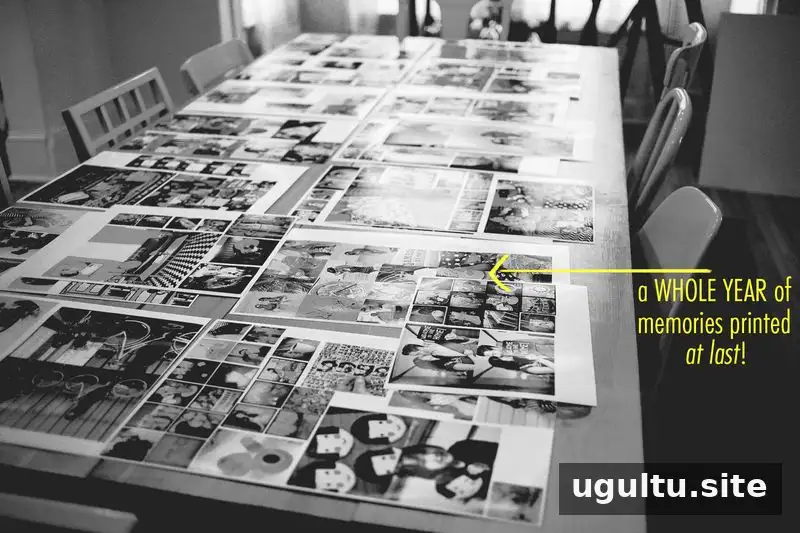
Lay out the prints before attaching them to pages. This gives you a chance to see whether the photos tell the story in a useful order and to make changes while the prints are still easy to move.
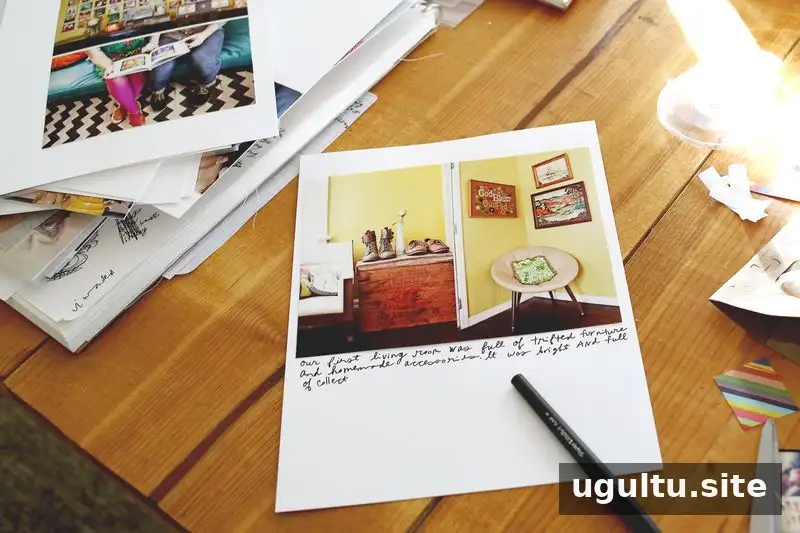
Assemble pages and add journaling
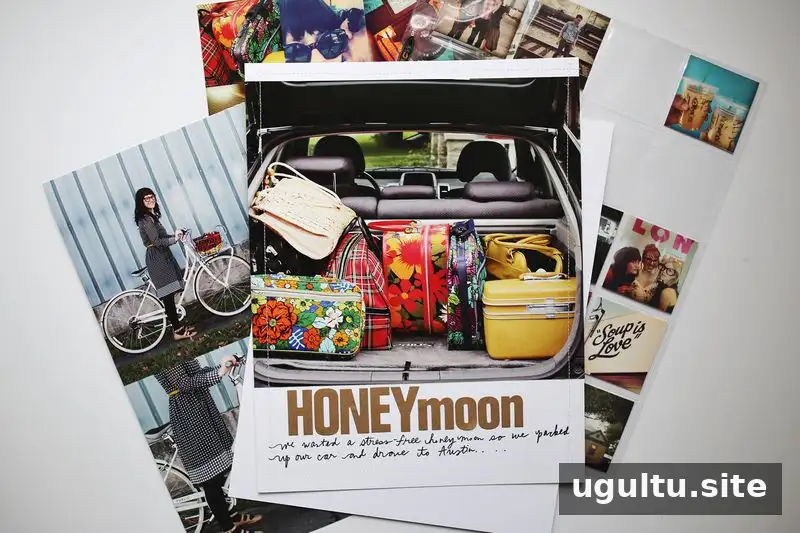
Trim photos to fit, attach them to cardstock if that suits your design, and place the completed pages in protectors. You do not need a long story on every spread. Short captions can record names, dates, locations or the reason a particular photo matters. Save longer notes for milestones or moments that need extra context.
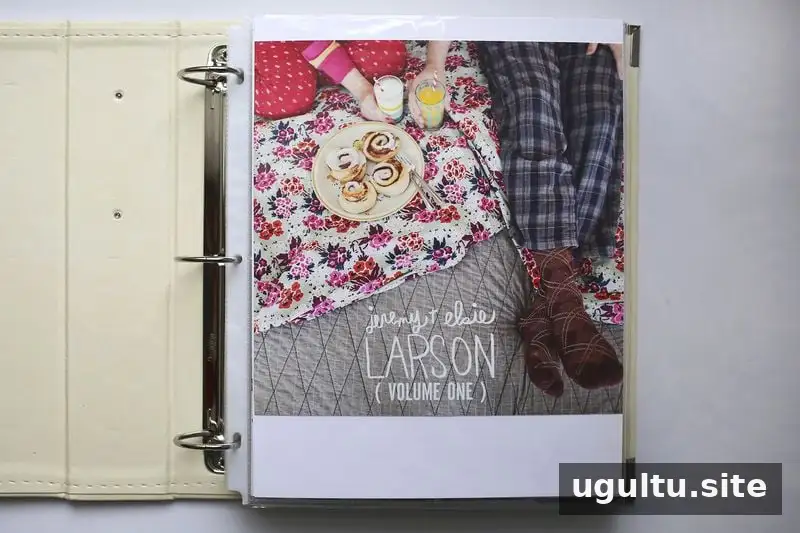
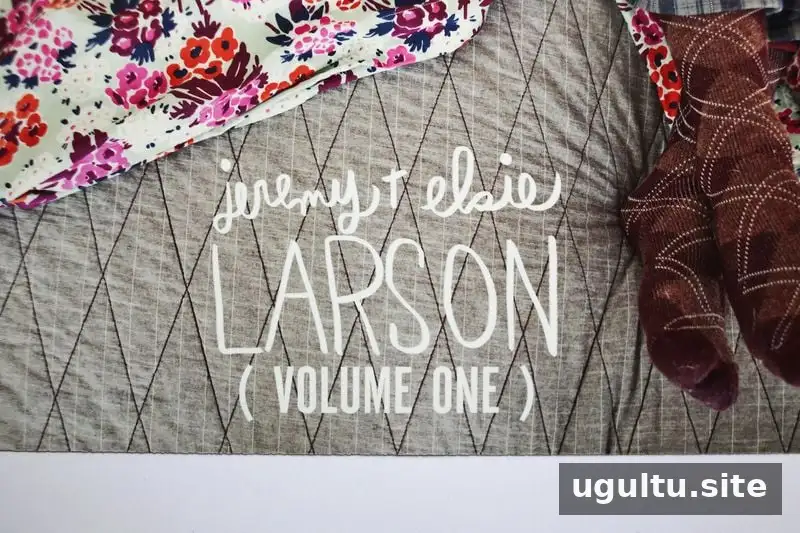
A title page can identify the album’s subject and dates. If you plan to make a series, using a consistent title or volume format can make the collection easier to organize.
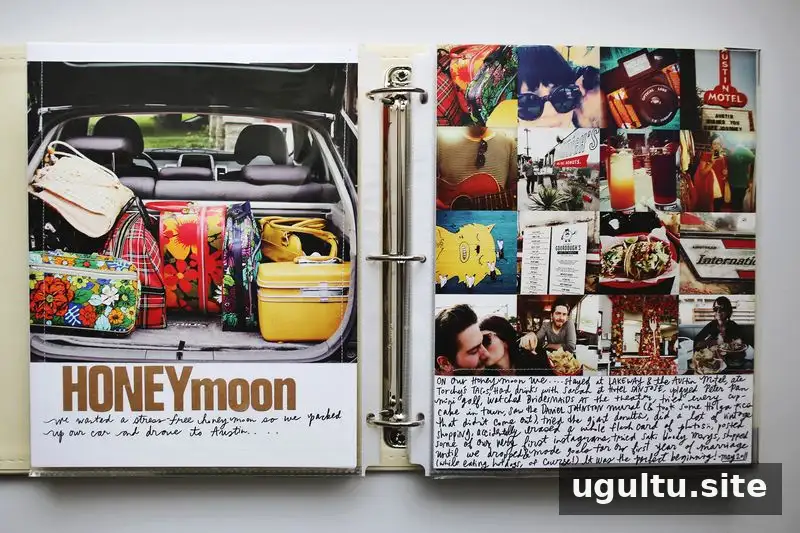
When an event has only a few surviving photos, a collage can bring together images from different sources and preserve the overall feeling of the occasion. A limited number of pictures can still make a meaningful spread.
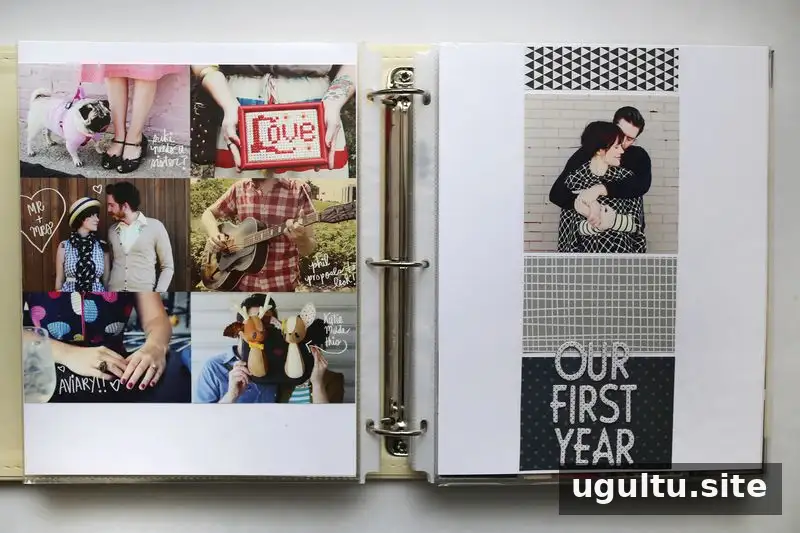
Text can be added directly to a page or prepared digitally and printed with the photos. Choose whichever method is easiest to read and fits the page design.
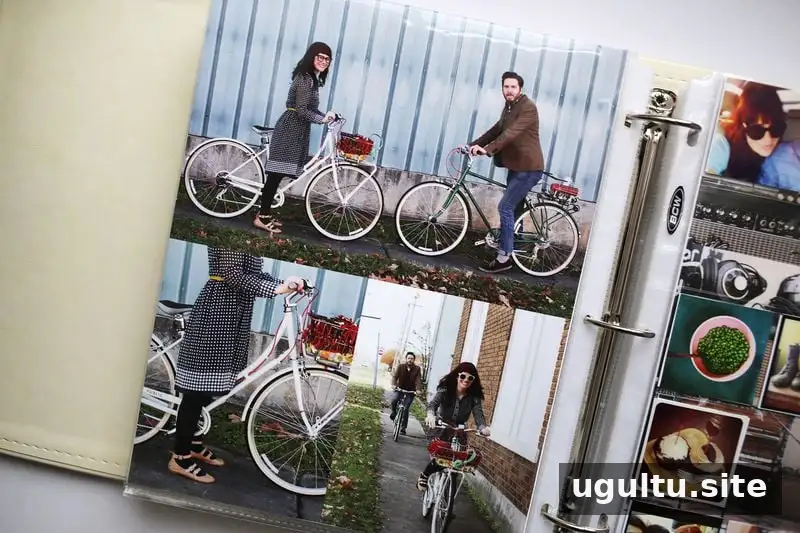
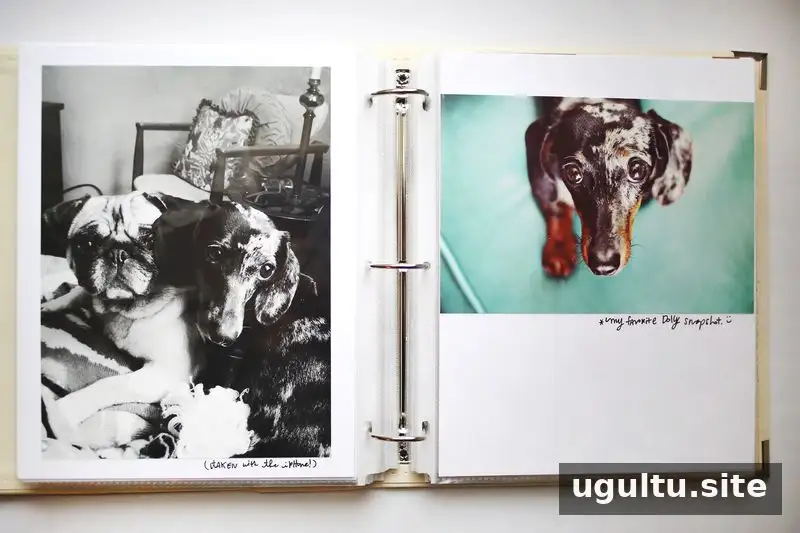
A full-page photo layout is a simple option when an image is strong enough to stand on its own. Check the print dimensions before committing so important details do not fall outside the visible area.
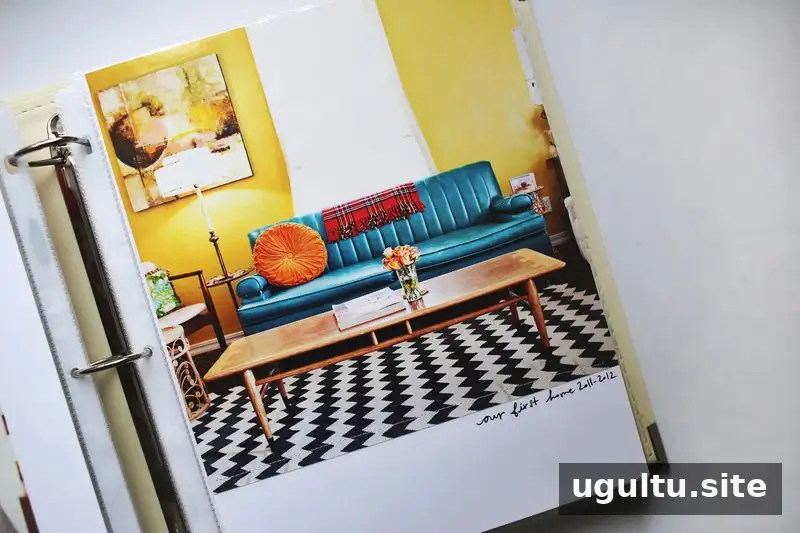
Photos of a home, a favorite room or familiar everyday places can document changes over time. These details may seem ordinary when they are taken, but they can help tell a fuller story later.
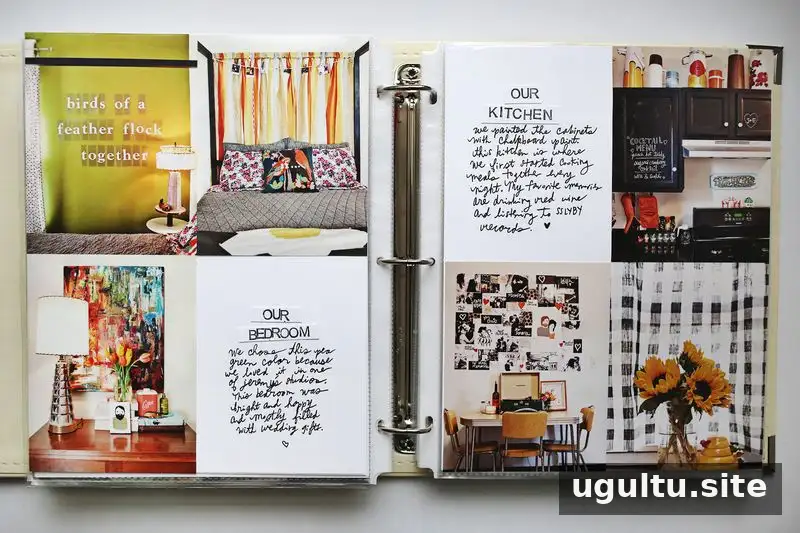
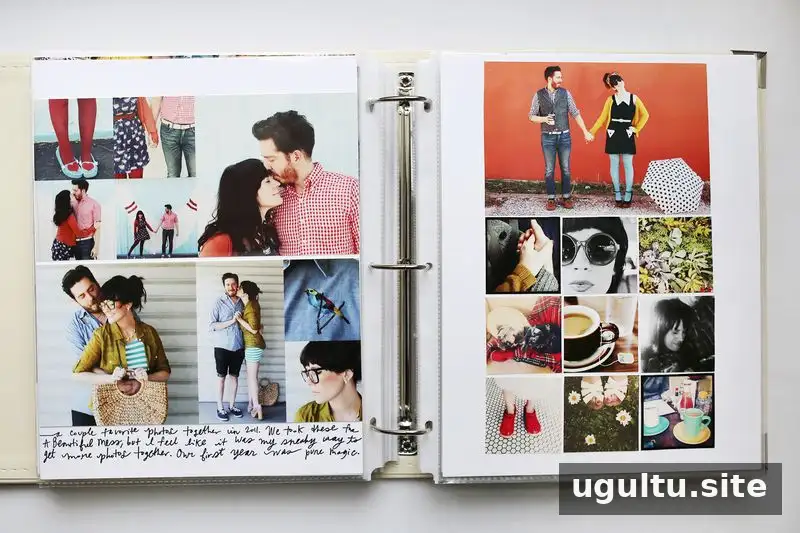
Include candid photos alongside formal or posed pictures. A mix of image types can make the album feel more personal and show different parts of the same period.
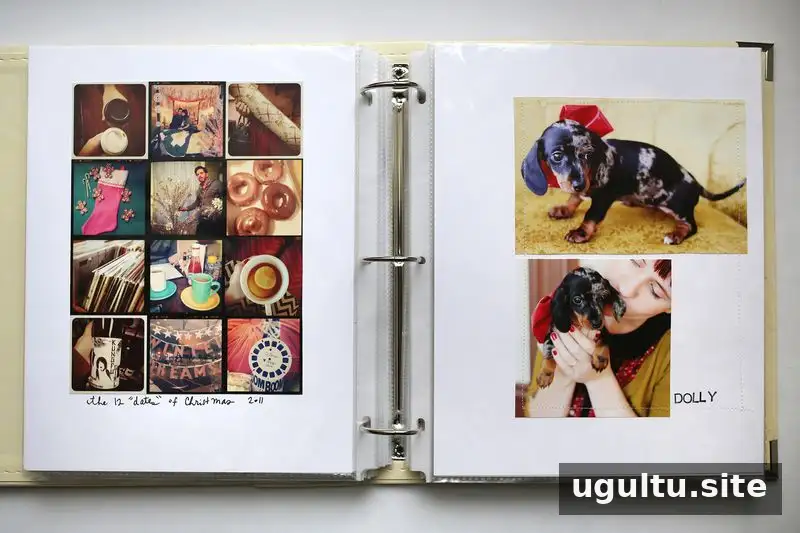
Printing a collage as one larger photo is another way to include several images while keeping assembly straightforward. Review the layout at full size first to make sure each picture remains clear.
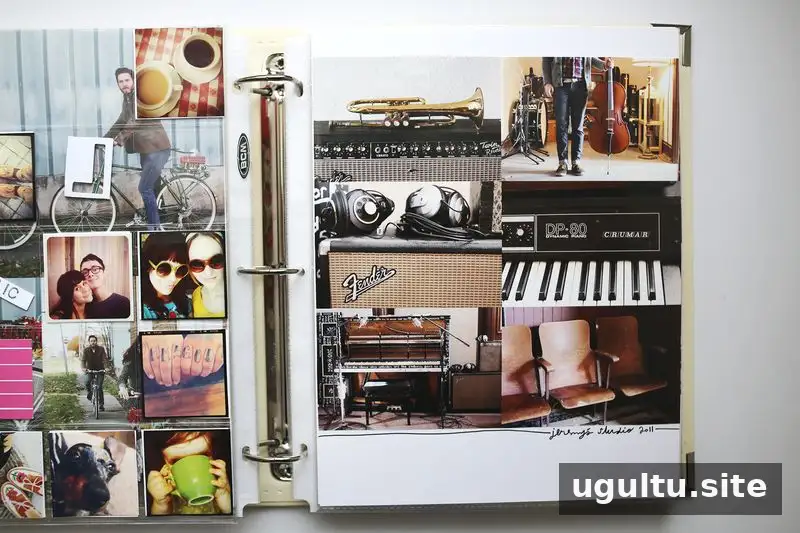
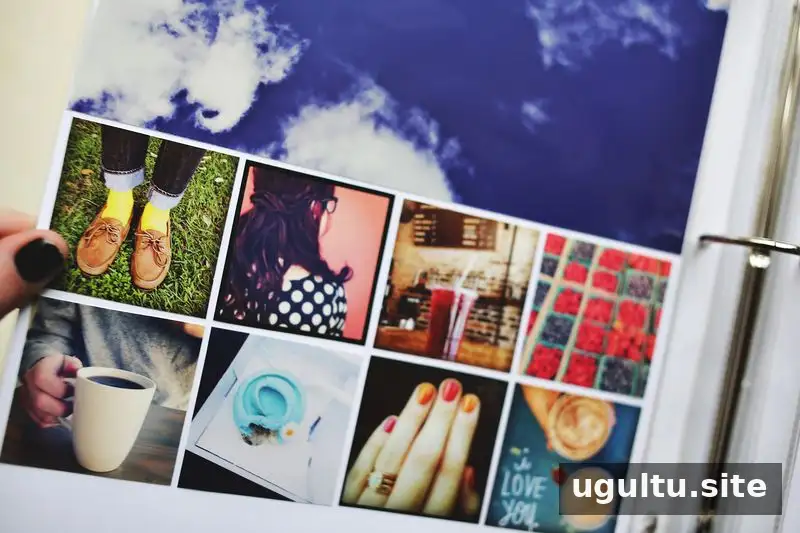
Use pockets for small keepsakes
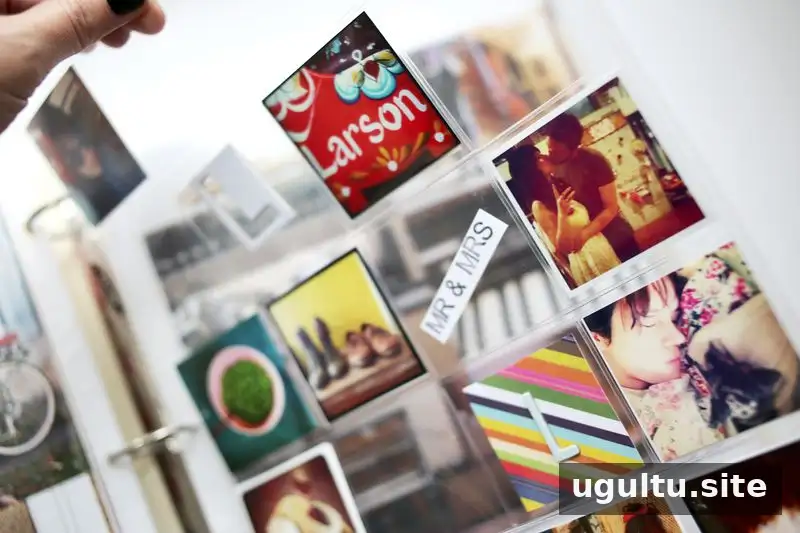
Small pockets can hold 2×2-inch photos, patterned paper, brief notes and other flat memorabilia. Coin-collection page protectors are one option for creating a grid of small pockets. Leave some sections open if you want the page to feel less crowded or plan to add keepsakes later.
Large photos can also work well near the end of an album. Choose a final event or image that gives the collection a satisfying stopping point, even if the dates cover slightly more than the original time period.
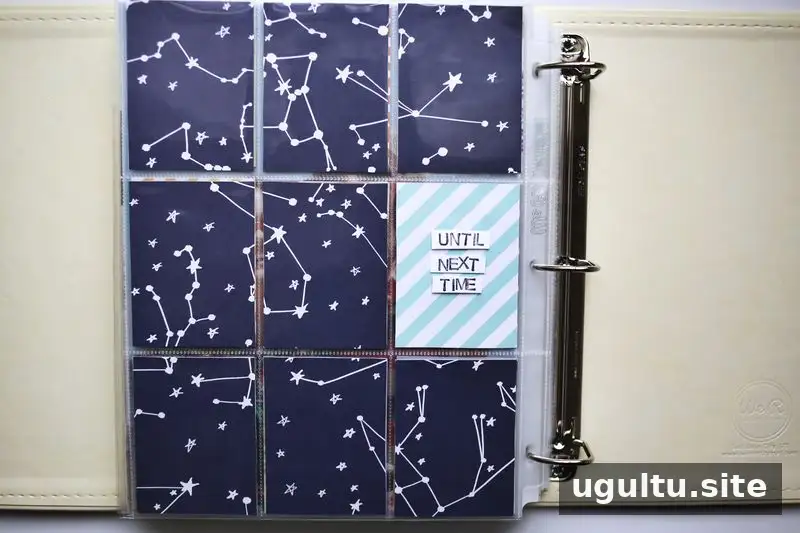
A simple closing page, short message or meaningful piece of paper can bring the album to a natural conclusion. Keep it consistent with the rest of the book rather than adding decoration just to fill space.
Finish your scrapbook and keep it manageable
A completed scrapbook does not have to include every photograph or elaborate decoration on every page. A photo-led album with a few thoughtful notes can preserve a year’s important memories and be completed over a few weeks when the work is divided into manageable steps.
Start with a clear subject, choose a size that suits your photos and storage space, and repeat a few layouts. Prepare prints in batches, keep captions brief when appropriate, and leave room for memorabilia if you want it. Most importantly, make choices that help you enjoy the process and finish the book.
Scrapbooking for beginners becomes easier when the goal is a useful, personal album rather than a perfect page. A simple finished collection gives your printed memories a place to be seen and revisited.